
TL;DR:
- A content calendar is a strategic planning tool that schedules content across platforms to improve consistency and effectiveness. It enhances marketing success, saves time, and maintains flexibility for trending topics while providing clarity and organization. Building one involves choosing a simple tool, defining channels and goals, and reviewing regularly to adapt and optimize your content strategy.
If you’ve ever stared at a blank screen on posting day wondering what to publish, you already understand the problem a content calendar solves. A content calendar is a planning tool that maps out what content you will publish, where you will publish it, and when. It’s the difference between reactive scrambling and deliberate strategy. Marketers who use one are 414% more likely to report marketing success than those who don’t. This guide walks you through the content calendar definition, the real benefits, how it differs from similar tools, and how to build one that actually fits your business.
Table of Contents
- Key takeaways
- What a content calendar is and how it works
- The real benefits of using a content calendar
- Content calendar vs. editorial calendar vs. social media calendar
- Common pitfalls to avoid with content calendars
- How to build your first content calendar
- My honest take on content calendars
- How Mysearchhero takes content marketing off your plate
- FAQ
Key takeaways
| Point | Details |
|---|---|
| Content calendar definition | A planning document that schedules what, where, and when you publish content across channels. |
| Measurable success impact | Structured calendar users are 414% more likely to report strong marketing outcomes. |
| Time savings are real | Planning content in advance saves business owners 5 to 10 hours per week compared to daily reactive creation. |
| Flexibility matters as much as structure | Leaving open slots for trending topics and spontaneous posts keeps your content relevant and engaging. |
| Start simple, then scale | A spreadsheet with key fields is enough to begin. You can graduate to dedicated tools as your volume grows. |
What a content calendar is and how it works
At its core, a content calendar is a scheduling and planning document that tells you and your team exactly what content goes out, on which platform, and on which date. Think of it as your publishing GPS. You know the destination (your marketing goals), and the calendar tells you each turn to take along the way.
The content calendar definition goes beyond a simple to-do list. It captures the full lifecycle of a piece of content, from idea to published post. Key fields typically tracked include:
- Publish date and time so nothing slips through the cracks
- Platform to specify whether the content lives on Instagram, your blog, LinkedIn, or email
- Content type such as video, carousel, article, or podcast episode
- Topic or headline so everyone knows what’s being created
- Status to track whether the piece is in draft, review, or scheduled
- Owner so one person is accountable for each asset
- Campaign to tie content to a broader business initiative
- Assets linking to images, videos, or copy documents
That combination of fields is what separates a content calendar from a vague ideas list. When every piece of content has a date, a home, and an owner, ad hoc creation becomes a predictable, repeatable process.
The role of content calendars also extends to multi-platform coordination. If you’re publishing blog posts, sending email newsletters, and posting on social media, a single calendar keeps those channels aligned so your messaging stays consistent across touchpoints. That kind of coordination is nearly impossible when you’re making it up as you go.
The real benefits of using a content calendar
The numbers are hard to ignore. Beyond the headline statistic on success rates, business owners who switch from reactive daily content creation to a planned system save 5 to 10 hours every single week. That’s roughly a full workday returned to you each week, simply by deciding in advance what you’re going to post.
Teams using a calendar also achieve 40% better posting consistency across social and digital channels. Consistency matters more than most small business owners realize. Platform algorithms on Instagram, LinkedIn, and YouTube actively reward accounts that publish on a predictable schedule. When you post consistently, you build audience expectations too. Your followers start to anticipate your content, which drives higher engagement over time.

One of the less obvious benefits of a content calendar is what it does to your focus. Switching between writing a caption, sourcing an image, and responding to comments every single day costs you 20 to 40% of your productive time through context switching alone. Batch creation, which a calendar enables naturally, lets you write five posts in one focused session instead of one panicked post every morning.
Pro Tip: Block two hours once a week to batch-create your upcoming content. You’ll produce better work and eliminate the daily “what do I post?” spiral entirely.
Here’s what the benefits of a content calendar look like stacked together:
- Consistent publishing schedule that algorithms and audiences reward
- Fewer last-minute decisions that lead to low-quality, rushed posts
- Clear visibility across your team on what’s in progress and what’s due
- The mental space to think strategically rather than just reactively
- Better alignment between your content and your actual business goals
Learning to build a content calendar that fits your workflow is the difference between content marketing that compounds over time and content marketing that exhausts you.
Content calendar vs. editorial calendar vs. social media calendar
These three terms are often used interchangeably, but they serve different purposes. Knowing the distinction helps you use each one correctly.
The editorial calendar is your big-picture roadmap. It maps out quarterly themes, campaign arcs, product launches, and seasonal moments at a high level. If your editorial calendar says “Q3 is focused on building email subscribers,” that’s the strategy layer. It doesn’t tell you what to post on Tuesday. It tells you why everything you publish this quarter should ladder up to one goal.
The content calendar is the detailed execution layer. It fills in the specific posts, articles, and emails with dates, formats, and owners. Using the roadmap vs. turn-by-turn directions analogy: the editorial calendar is the roadmap, the content calendar is the GPS directions.
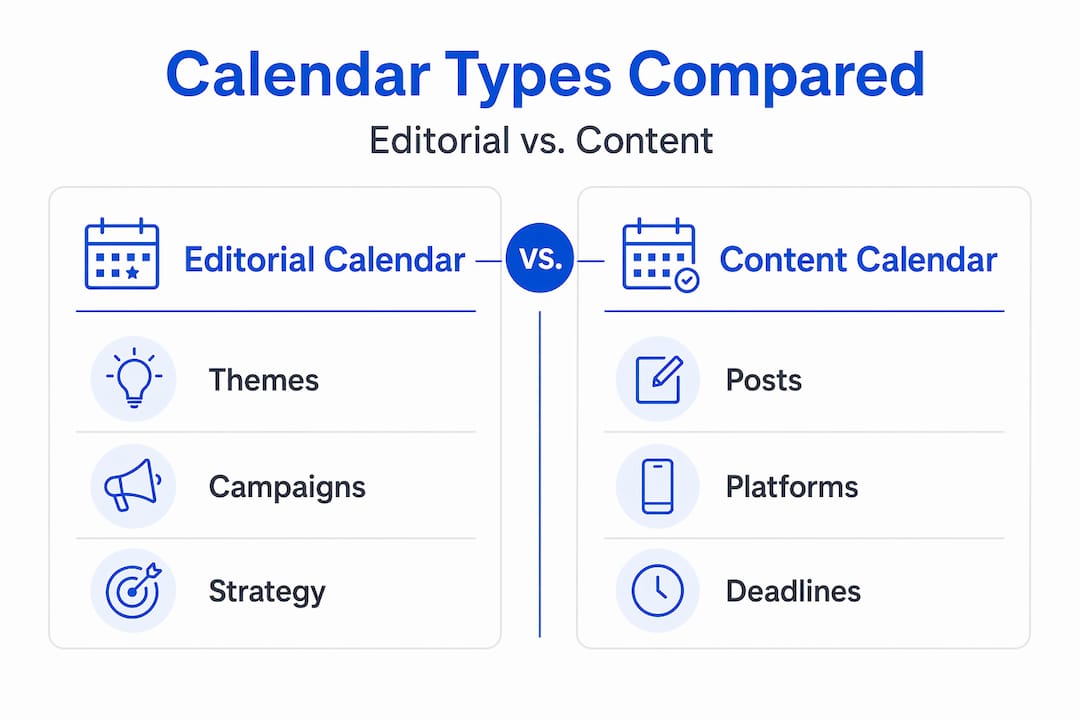
The social media calendar is a narrower version focused specifically on platform-specific social posts. It’s built for teams whose primary content channel is social media and who need granular scheduling by platform.
| Calendar type | Scope | Best for |
|---|---|---|
| Editorial calendar | Quarterly themes and campaigns | Strategy and big-picture planning |
| Content calendar | Weekly and daily publishing schedule | Execution across all content channels |
| Social media calendar | Platform-specific social posts | Social-focused teams and agencies |
| Integrated marketing calendar | Social, email, paid, and events combined | Mature marketing operations |
Integrated marketing calendars combine all of these streams into a single unified timeline. Many growing businesses start with a simple content calendar, then graduate to integrated systems as their marketing matures. You don’t need the most complex version on day one.
Common pitfalls to avoid with content calendars
A content calendar is supposed to free you from chaos. The irony is that when people use them rigidly, they create a different kind of problem. Rigid calendar systems can actually hinder creativity and responsiveness, which defeats a big part of the purpose.
Here’s what misuse often looks like in practice. You plan 30 days of content in advance, lock it in, and then a major industry story breaks. Or a trending topic is perfect for your audience today but not tomorrow. If your calendar is treated as a cage, you’ll either miss the moment or break the whole system trying to accommodate it.
The fix is to build white space intentionally. Leaving open slots in your calendar for real-time content keeps you responsive without sacrificing your overall structure. A good rule of thumb is to plan 70 to 80 percent of your content in advance and leave the rest for timely, spontaneous posts.
Other pitfalls worth watching for:
- Building a calendar too far in advance without review checkpoints
- Treating every planned post as equally important regardless of performance data
- Ignoring your calendar entirely during busy periods and losing all momentum
- Conflating the what of scheduling with the why of strategy
Pro Tip: Set a monthly 30-minute calendar review. Pull your top-performing posts, kill what isn’t working, and adjust next month’s plan based on real data rather than gut instinct.
Creating a social media content plan alongside your broader content calendar is one way to keep both structure and flexibility working together.
How to build your first content calendar
Getting started is simpler than most people expect. You don’t need expensive software. A Google Sheet or Excel file with the right fields is enough to begin.
- Choose your tool. Start with a spreadsheet if you’re solo or a small team. Project management tools work well for teams that need task assignments and approvals. Dedicated content calendar platforms add scheduling integrations as you scale.
- Define your channels. List every platform where you publish content, whether that’s your blog, email list, Instagram, LinkedIn, or YouTube. Your calendar needs a row or tab for each.
- Set your publishing cadence. Decide how often you’ll publish on each channel. One blog post per week, three Instagram posts, one email newsletter. Consistency at a lower frequency beats sporadic bursts of activity.
- Build your key fields. At minimum, include publish date, platform, content type, topic, status, and owner. Add campaign and asset columns when you’re ready.
- Align entries with business goals. Every piece of content should connect to a business objective. This is what separates scheduling from strategy. A blog post about a product feature exists to drive trial signups, not just to fill a slot.
- Batch your content creation. Pick one or two days per month to write, design, and schedule as much content as possible. This dramatically reduces the cognitive load of content marketing week to week.
- Review monthly. Treat your calendar as a living document. Check what performed well, update your upcoming plan, and cut anything that no longer fits your goals.
A practical starting point is a monthly content calendar template covering four to five weeks. Set it up once, replicate it monthly, and refine as you learn what works for your specific audience. For a deeper walkthrough on workflow and planning, the Mysearchhero blog has step-by-step guidance suited to small business owners.
My honest take on content calendars
I’ve worked with a lot of small business owners who either over-engineer their content calendar on day one or skip it entirely because they tried a rigid system that didn’t fit how they actually think and work. Both outcomes are avoidable.
Here’s what I’ve come to believe after years of working in content marketing: the best calendar is the one you’ll actually use. A color-coded 90-day master plan sounds impressive, but if it takes three hours to update and creates anxiety every time you look at it, it’s working against you. I’ve seen a simple one-page Google Sheet outperform elaborate platform setups simply because the team actually maintained it.
What I’ve found works in practice is treating your calendar as a guide, not a contract. Plan intentionally, leave room for the unexpected, and give yourself permission to scrap a post that no longer makes sense. Creativity is not always linear. Some of the best content I’ve seen come out of small businesses started as a spontaneous reaction to something happening in their world. A calendar should make space for that, not crowd it out.
The goal isn’t a perfect calendar. The goal is consistent, strategic content that compounds over time.
— Mike
How Mysearchhero takes content marketing off your plate
Publishing consistent, strategic content is hard when you’re also running a business. Most small business owners don’t lack ideas. They lack time, systems, and bandwidth to execute week after week.
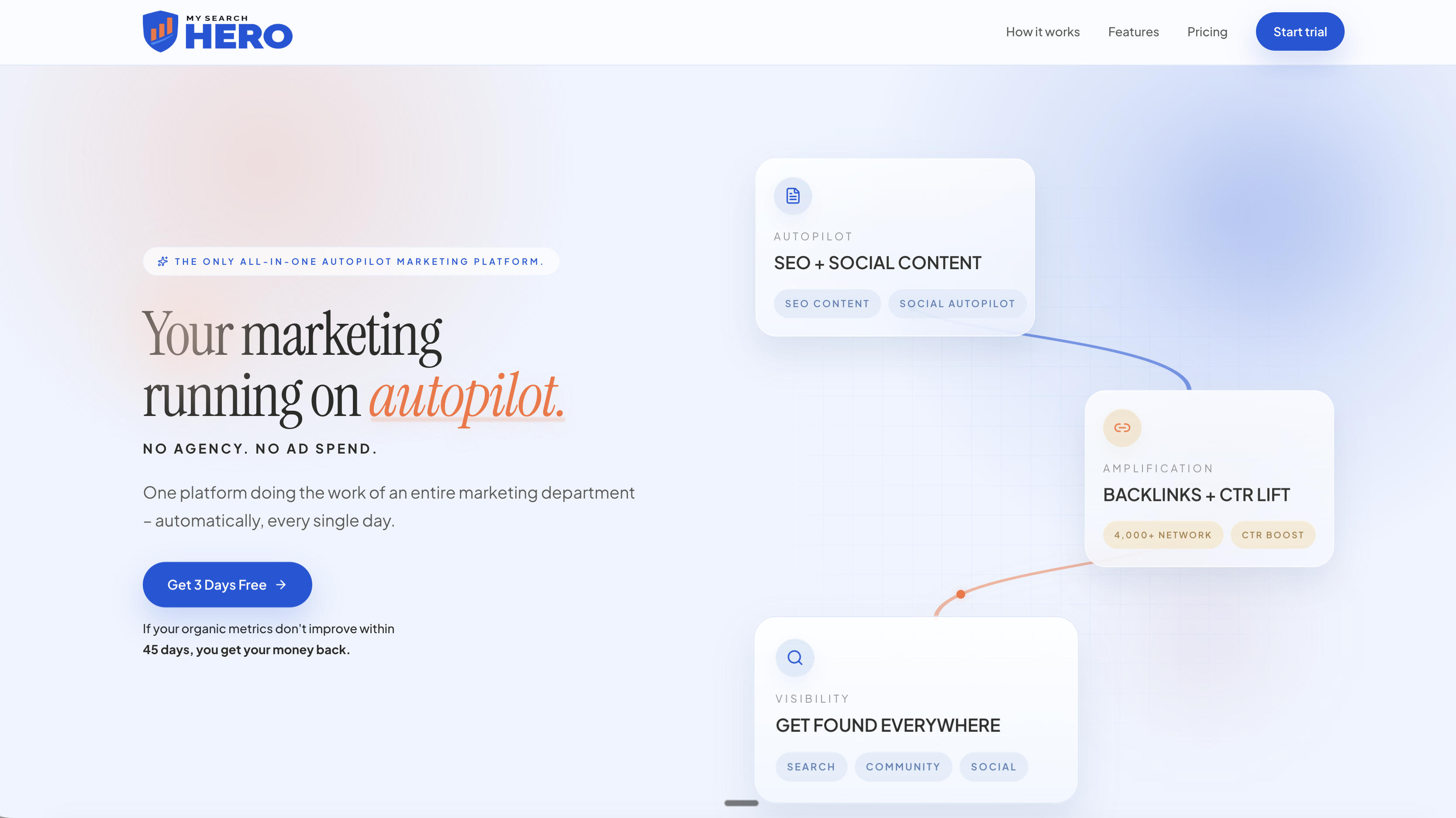
That’s exactly where Mysearchhero comes in. It’s a done-for-you SEO and content marketing service built to keep your content pipeline running on autopilot. Each month, subscribers receive published articles, backlinks, Reddit mentions, and social media posts, all pushed out through a fully automated pipeline. You get the output of a content calendar without having to manage one yourself. If you’re ready to stop thinking about what to post and start seeing real results from consistent content, Mysearchhero is worth a serious look. Your marketing runs. You focus on your business.
FAQ
What is a content calendar in simple terms?
A content calendar is a planning document that maps out what content you will publish, on which platform, and on which date. It turns content marketing from a daily scramble into a structured, repeatable system.
How is a content calendar different from an editorial calendar?
An editorial calendar sets big-picture themes and campaign strategy at the quarterly level. A content calendar provides the detailed daily and weekly publishing schedule that executes that strategy.
What fields should a content calendar include?
The core fields are publish date, platform, content type, topic, status, and content owner. Adding campaign tags and asset links makes it more useful as your operation grows.
Do I need special software to use a content calendar?
No. A simple Google Sheet or spreadsheet works well for most small businesses. Dedicated tools add value when you have a larger team or need built-in scheduling and approval workflows.
How often should I update my content calendar?
Review and update your calendar at least once a month. Check performance data from the previous month, adjust upcoming content based on what worked, and leave open slots for timely or trending posts.