
Yes, AI can create publish-ready social media posts. The fastest reliable approach is to generate drafts with an AI composer, polish them for brand voice and accuracy, add disclosure when required, then schedule or publish. For small businesses that want a hands-off path, a monthly automated social-posting service delivers consistent, on-brand posts without the work of building your own toolchain.
TL;DR:
- Feed the generator your five best performing captions, a specific offer, brand tone, and platform; then edit every draft for accuracy before publishing.
- Adapt one canonical post for each network: Instagram shows 125 characters before expansion, while X needs a concise opener and TikTok needs its point immediately.
- For sponsored posts or affiliate links, disclose clearly within the post; a study found AI labels coincided with 7% to 8% fewer likes.
- Batch routine posts weekly and preview each network’s native rendering before scheduling; reserve posting directly in the app for timely topics or unsupported features.
Table of Contents
- How AI Social Post Generators Work
- Prompt Templates and Caption Formulas That Actually Work
- Generating Visuals and Short Videos With AI
- Tailor Posts by Platform: Quick Rules
- Scheduling and Publishing Across Multiple Networks Without Mistakes
- Human Oversight, Authenticity, and Disclosure
- A Workflow to Scale AI Social Posting Without Losing Your Voice
- Cost and Pricing Shapes for AI Social Tools
- Fitting AI Social Posts Into Your Existing Marketing and SEO Work
- Legal and Ethical Considerations Beyond FTC Disclosure
- Common Pitfalls in AI-Generated Social Posts and How to Avoid Them
- Examples of AI-Assisted Social Content in Practice
- Using AI Responsibly for Small Business Social Media
- How MySearchHero Delivers AI Social Posts as Part of a Monthly Service
- FAQ
- Sources
How AI Social Post Generators Work
Most AI social tools follow the same basic loop, whether you use a standalone composer or a feature inside a larger marketing platform. Understanding that loop helps you judge any tool fast and decide where your own editing time is best spent.
- You give the tool a brief or prompt: topic, tone, platform, and goal.
- The tool generates several draft variations so you can pick direction rather than starting from a blank page.
- You edit for brand voice, accuracy, and local detail.
- You schedule the post or export visual assets for publishing.
The quality of what comes out depends heavily on what goes in. A vague prompt like “write an Instagram post about our sale” produces generic copy. A prompt that includes your brand’s tone, a specific offer, and one or two examples of posts that performed well in the past produces something closer to publish-ready. Instagram head Adam Mosseri has described generative AI as shifting the creator’s job from producer to editor: the tools handle volume, but a human still has to shape the result into something that sounds like your business.
Expect generators to produce a mix of formats:
- Short captions built for Instagram, Facebook, or X.
- Long-form posts structured for LinkedIn, with a professional hook and a clear takeaway.
- Image prompts or style descriptions for accompanying visuals.
- Carousel outlines that break one idea into a sequence of slides.
- Short-video scripts with a hook line, body beats, and a closing call to action.
Treat the first draft as a starting point, not a finished post. The editing pass is where brand voice, factual accuracy, and platform fit actually get built in, and skipping it is the most common reason AI-assisted posts feel off.
Prompt Templates and Caption Formulas That Actually Work
A handful of reusable prompt templates will cover most of what a small business posts in a given month. Keep them specific enough to produce a usable draft on the first try.
- Announcement: “Write a [platform] caption announcing [new product/service]. Tone: [friendly/professional]. Include one benefit and a soft call to action.”
- Sale or promotion: “Write a caption for a limited-time offer on [product]. Mention the discount, the deadline, and end with a direct call to action.”
- How-to tip: “Write a short educational caption teaching [audience] how to [solve a problem]. Keep it practical and specific, no fluff.”
- Testimonial or review highlight: “Turn this customer quote into a caption that feels natural, not salesy: [quote].”
- Repurpose: “Turn this blog section into a [platform] caption, keeping the main point and shortening to fit a [character/word] limit.”
For caption structure, a simple formula holds up across most platforms: a hook, a value statement, then a call to action with a link or hashtag. For Instagram and Facebook, keep the caption concise and suited to the platform. For X, the hook often has to carry the entire post within the platform’s character limit.
Before anything goes live, run a short editing checklist: does it sound like your brand, not a generic business; are the facts (prices, dates, claims) correct; does the call to action point somewhere real; and if there’s a material connection to a product or partner, is the disclosure visible in the post itself rather than buried in a hashtag.
Pro Tip: Keep a running document of your five best-performing captions and paste one into every new prompt as a style example; it anchors the AI’s tone faster than describing your brand in words.
Generating Visuals and Short Videos With AI
Visuals are where AI-generated posts most often look generic, so the decision between generating new imagery and editing your own photography matters. Real product shots, team photos, and location images carry brand recognition that a generated image can’t replicate. Save AI image generation for concept pieces, backgrounds, seasonal graphics, or illustrative content where authenticity isn’t the point.
When you do generate images, specificity in the prompt controls the result:
- Describe style and mood directly: “soft natural light, warm tones, minimal background” reads differently than “professional photo.”
- Match aspect ratio to placement: square or 4:5 for feed posts, 9:16 for Stories and Reels, 16:9 for most video thumbnails.
- Keep brand colors and fonts out of the AI generation step and add them afterward in a design tool for consistency across posts.
- Generate a few variations per concept rather than accepting the first output.
For short video, a script converts into a shot list in three passes: break the script into beats (hook, context, payoff), assign each beat a visual or on-screen text, and note where the caption will reinforce rather than repeat what’s on screen. Tools built for creative testing, like Popjam, can help teams generate and test multiple ad or social creative variations before committing to one, which is useful once you’re producing enough video content to justify A/B testing at scale.
Tailor Posts by Platform: Quick Rules
The same AI draft rarely works as-is across every network. A canonical version, adapted for each platform’s habits, performs better than one post pasted everywhere.
- Instagram: lead with a strong visual, front-load the first 125 characters since that’s what shows before “more,” and use 3 to 10 targeted hashtags rather than a wall of tags.
- X: the hook has to work in one sentence; for a longer idea, break it into a thread rather than cramming it into one post, and keep hashtags to one or none.
- TikTok: the hook needs to land quickly, soundtrack choice affects reach as much as the script, and the script itself can double as on-screen text and caption with light editing.
- LinkedIn: lead with value for a professional audience, skip the salesy opener, and expand the AI draft into a short article format when the topic has enough depth to justify it.
- Facebook: conversational tone works better than polished marketing copy, and posts with a direct question tend to draw more comments.
The efficient approach is to write one canonical post, built around your core message, then derive shortened or restructured versions for each other platform instead of starting from scratch each time. Our social media posting guide for small businesses walks through cadence and platform specifics in more detail if you want a deeper reference.
Scheduling and Publishing Across Multiple Networks Without Mistakes
Batching content weekly, rather than posting reactively each day, keeps quality consistent and gives you time to actually edit AI drafts instead of rushing them out.
- Set a regular posting cadence for each channel, then adjust based on which platforms drive real engagement for your business.
- Always preview the platform-native version of a post before scheduling broadly: hashtags, line breaks, and character limits often render differently in a scheduler than they do live.
- Reserve native, in-app posting for anything time-sensitive, like replying to a trending topic or using a platform feature a scheduler doesn’t support yet, and use scheduler-based publishing for routine content.
A batching rhythm also makes it easier to catch an off-brand draft before it goes live rather than after, which matters more with AI-assisted content than with posts you’ve written yourself from scratch.
Human Oversight, Authenticity, and Disclosure
When a post involves a material connection, such as a sponsored product or an affiliate link, the FTC’s Disclosures 101 guidance requires a clear, conspicuous disclosure placed within the post itself, not just in a bio or a linked page. Hashtags like #ad or #sponsored need to be easy to notice, not buried at the end of a long tag list.
Disclosure around AI involvement is a separate but related issue. Research in the Journal of Consumer Research found that posts disclosed as AI-generated content received roughly 7% to 8% fewer likes and about 7% less combined engagement than posts without that disclosure, likely because the disclosure reduces the sense of a personal, human connection with the audience. A related study in Electronic Markets found that labeling content as AI-generated or AI-enhanced lowers engagement compared with human-created content, especially for emotional posts, though disclosing later rather than upfront softened the effect for AI-enhanced (not fully AI-generated) content.
Practical dos and don’ts:
- Place required disclosures where a viewer actually sees them, not in a hashtag stack at the bottom.
- Use visible text overlays for Stories and video when a disclosure is required, since captions can be skipped.
- Check platform-specific labels: Meta applies an “AI info” label to detected AI-generated or AI-edited content on Facebook and Instagram.
- Blend AI drafting with a human edit pass so the final post reads as genuinely yours, not templated.
A Workflow to Scale AI Social Posting Without Losing Your Voice
Once you’ve posted consistently for a few months, your own history becomes the best training material you have. A practitioner-level approach described in a review of Claude AI recommends feeding historical top-performing posts into an AI tool so it mirrors your brand’s voice and stylistic patterns, rather than generating generic content from a blank prompt every time.
- Pull your highest-engagement posts from your recent history and note what they have in common: hook style, format, length, tone.
- Turn those patterns into two or three reusable prompt templates instead of one all-purpose prompt.
- Run new drafts through a small internal test, a quick human edit pass, and a calendar review before scaling up volume.
- Roll out incrementally rather than switching your entire content calendar to AI-assisted drafts all at once.
Watch engagement rate changes, click-through rate, and actual conversions as you scale, not just follower counts or impressions, since vanity metrics can rise while the posts themselves do less for the business. A 2026 study in Scientific Reports found that AI-assisted posts can raise short-term engagement but tend to lower perceived authenticity and depth unless paired with human-led strategy, which is the gap this kind of quality gate is built to catch.
Pro Tip: Build your prompt templates from your own top five posts, not generic examples online. The output will sound like your business, not like every other AI-generated account.
Cost and Pricing Shapes for AI Social Tools
Most AI social content tools fall into a few predictable pricing shapes. Free tiers typically cap the number of monthly generations or restrict you to basic caption writing without image generation or scheduling. Paid individual plans usually unlock higher generation limits, image creation, and some scheduling integration, often in the range most small tools market as “starter” or “pro” tiers. Agency or team tiers add multiple brand profiles, approval workflows, and higher usage caps.
Stacking tools adds up fast: a caption generator, an image generator, a scheduler, and an analytics dashboard are often four separate subscriptions with four separate learning curves. That’s the gap a bundled monthly service is built to close, combining drafting, visuals, and scheduling under one plan instead of several.

Whichever route you choose, weigh the subscription cost against the time you’d otherwise spend writing, editing, and scheduling manually. For a business posting several times a week across multiple platforms, that time cost is often the bigger expense.
Fitting AI Social Posts Into Your Existing Marketing and SEO Work
Social posts work best when they’re not operating in isolation from the rest of your marketing. A caption generated from a blog post you’ve already published reinforces that content instead of competing with it for attention, and it gives you a natural place to link back to the full article.
The repurposing habit works in both directions: a blog post can seed a week of social captions, and a social post that generates unusual engagement can signal a topic worth expanding into a full article. Our piece on creating a social media content plan walks through how to map that content flow across a monthly calendar.
AI-generated posts also shouldn’t be siloed from search strategy. The keywords and phrases that perform well in your SEO content often make for stronger social hooks too, since they reflect language your audience is already using to search. If you’re exploring how AI fits into outreach work alongside content and social, our guide on AI-powered outreach covers how those pieces connect.
Legal and Ethical Considerations Beyond FTC Disclosure
Disclosure rules aren’t the only legal question around AI-generated social content. Copyright questions around AI-generated text and images can be complex, and the rules continue to evolve. If you’re using AI-generated visuals commercially, check the specific tool’s terms of service to understand what rights you hold to the output.
There’s also a reputational and ethical layer beyond what’s legally required. Passing off AI-written testimonials or fabricated customer stories as real is a problem even where no specific disclosure law applies. If an AI tool generates a quote or statistic in a draft, verify it before publishing. AI composers can produce confident-sounding claims that aren’t accurate, and a factual error in a public post is harder to walk back than a typo.
Finally, be mindful of likeness and voice. Generating images or video that mimic a real, identifiable person without consent raises both legal and ethical concerns separate from AI disclosure rules, and that risk applies to competitors, influencers, and private individuals alike, not just public figures.
Common Pitfalls in AI-Generated Social Posts and How to Avoid Them
Most problems with AI-assisted social content trace back to a handful of repeatable mistakes.
The biggest one is publishing the first draft unedited. AI composers are good at structure and bad at knowing your specific business details, so unedited posts tend to drift toward generic phrasing that could belong to any company in your industry.
A second common issue is ignoring platform norms. A caption written for LinkedIn rarely works pasted directly into TikTok, and vice versa, because the audience expectations and content rhythm are different.
A third is skipping fact checks. AI tools can generate confident but incorrect details, like a wrong price, an outdated promotion, or a misattributed quote, and those errors are far more visible once they’re live on a public post than they are in a private draft.
A fourth is over-relying on a single prompt style, which leads to a feed where every post has the same rhythm and the same kind of hook, a pattern audiences notice even if they can’t name it.
The fix for all four is the same editing discipline: generate with AI, edit for brand and accuracy, vary your prompt templates, and keep a human in the loop before anything publishes.
Examples of AI-Assisted Social Content in Practice
The clearest pattern across creators and brands experimenting with AI tools is the shift from doing everything manually to supervising a faster production process. Reporting on a former MrBeast content strategist building creator-focused AI tools describes a workflow where the tool analyzes a creator’s past short-form video performance and generates scripts and storyboards tailored to what has already worked for that specific account, rather than generic suggestions.
That same logic scales down to a small business: the accounts getting the most out of AI tools aren’t the ones generating the most content, they’re the ones feeding their own performance history back into the process so each new batch of posts improves on the last. One piece on AI tools for PR and comms makes a similar point: AI is strongest at ideation and first drafts, but the decision of what actually gets published should stay with a person who understands the context and the audience. The businesses that see the best results treat AI as the drafting engine and keep a human finger on the publish button.
Using AI Responsibly for Small Business Social Media
After working through how these tools actually perform in practice, my take is simple: AI earns its place as a drafting assistant, not a replacement for judgment. The businesses getting real value aren’t the ones posting the most AI content, they’re the ones editing it hardest before it goes live.
Authenticity and disclosure aren’t optional extras bolted on to satisfy a regulator. They’re what keeps an audience’s trust intact once that audience realizes, correctly, that AI touched the content. A consistent posting cadence matters more than any single clever caption.
For an owner juggling the actual business alongside marketing, a done-for-you service that handles this cycle on a schedule often beats trying to keep five tools and a content calendar running solo.
— Mike
How MySearchHero Delivers AI Social Posts as Part of a Monthly Service
If everything above sounds like a lot of toolchain to manage on top of running a business, we built our monthly plans around removing that burden entirely. Each month, we generate AI social media posts as part of a broader content bundle that also includes published SEO articles, authority backlinks, and Reddit brand mentions, all pushed out through one automated pipeline instead of four separate subscriptions and logins.
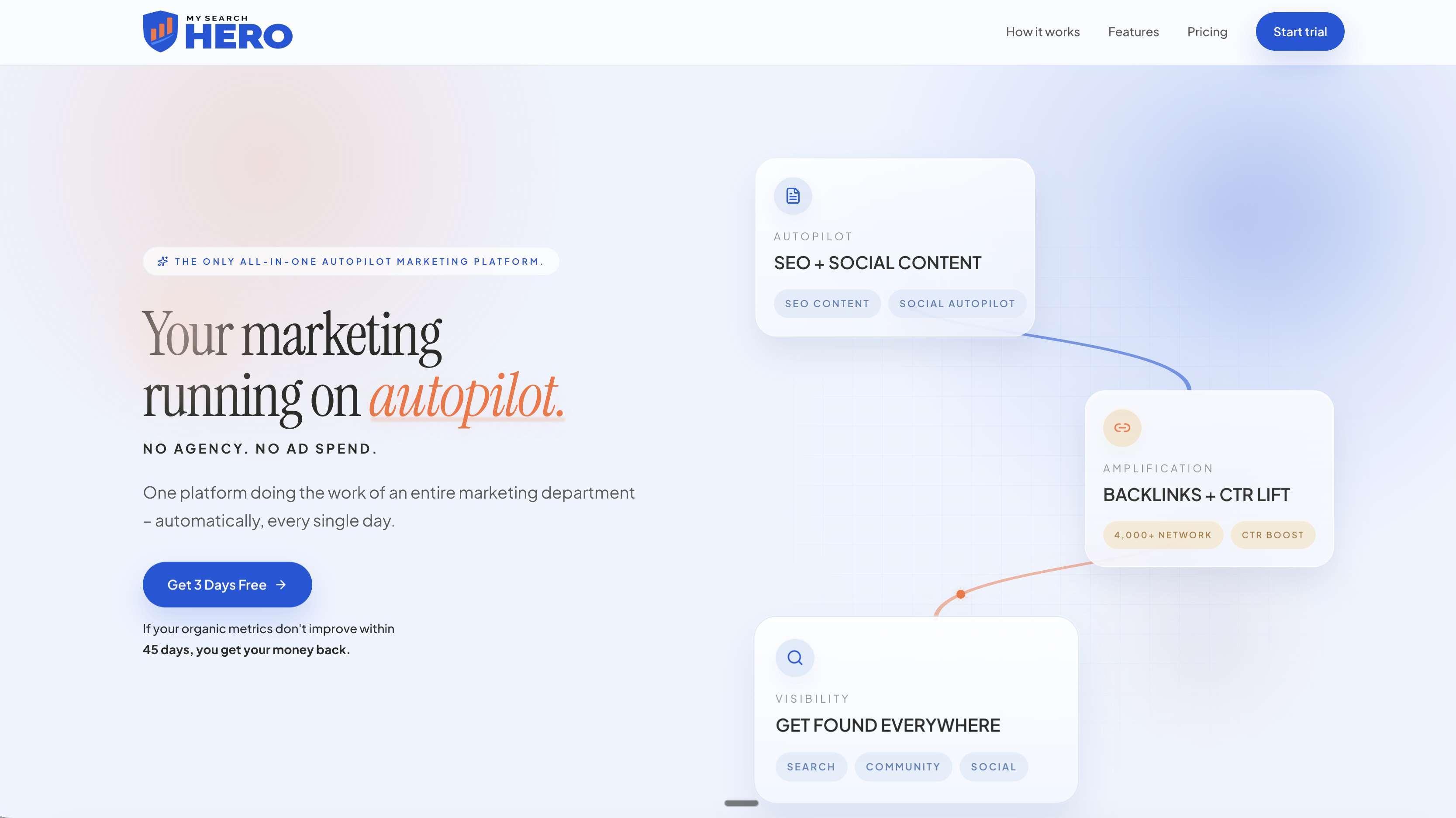
This fits best for small and local service businesses that need consistent, on-brand posting but don’t have a dedicated marketing hire to manage captions, visuals, and scheduling every week. Our plans bundle AI-generated social media posts alongside the rest of your content marketing.
Before choosing any managed service, including ours, it’s worth asking a few direct questions:
- What’s the posting cadence, and does it match how often your audience actually checks that platform.
- Can you see sample posts before committing to a plan.
- How are brand-voice checks and revisions handled when a draft needs adjustment.
- Is there a trial period or guarantee if results don’t materialize.
Our plans page lays out what’s included at each tier, starting at $197 per month, with a money-back guarantee if your organic metrics don’t improve.
FAQ
Can AI really write good social media captions?
AI can produce strong first-draft captions, especially when given a clear brief and examples of your best past posts. The result still needs a human edit pass for brand voice and factual accuracy before it’s ready to publish.
Do I have to disclose when a social post is AI-generated?
There’s no blanket legal requirement to disclose that a caption was AI-assisted, but if the post involves a material connection like a sponsorship, the FTC’s disclosure guidance requires a clear disclosure in the post itself. Separately, some platforms apply their own AI-generated content labels regardless of sponsorship.
Does labeling a post as AI-generated hurt engagement?
Research suggests it can. A study in the Journal of Consumer Research found AI-disclosed posts received roughly 7% to 8% fewer likes and about 7% less combined engagement than undisclosed posts, likely tied to reduced parasocial connection.
How much does an AI social media tool typically cost?
Pricing varies widely by tool and usage volume, from free tiers with limited generations up to team plans with scheduling and analytics included. A bundled monthly service that includes social posts alongside other content deliverables, like our plans starting at $197 per month, can cost less overall than stacking several single-purpose AI tools.
What’s the best way to scale AI social posting without losing my brand voice?
Feed your own top-performing posts back into the AI as examples rather than relying on generic prompts, a method one review of Claude AI describes as reverse-engineering your own content. Pair that with a human edit pass and incremental rollout so quality doesn’t slip as volume increases.
Sources
- Instagram head Adam Mosseri pushes back on MrBeast’s AI fears but admits society will have to adjust | TechCrunch
- The impact of generative AI on social media: an experimental study | Scientific Reports
- Disclosures 101 for Social Media Influencers
- Made With AI: Consumer Engagement With Social Media Containing AI Disclosures | Journal of Consumer Research | Oxford Academic
- My Claude AI Review (2026): Is It Worth the Hype?