
TL;DR:
- An automated outreach process handles prospect sourcing, personalized messaging, follow-ups, and scheduling without manual effort. It combines high-quality data, multi-channel sequences, and real-time personalization to generate booked meetings efficiently. Responding quickly after prospect replies significantly increases the chances of closing meetings.
An automated outreach process is defined as an end-to-end system that uses software and AI to handle prospect sourcing, personalized messaging, multi-channel follow-ups, reply management, and meeting scheduling without manual effort at each step. Tools like Apollo, LinkedIn Sales Navigator, and Calendly now make it possible for business owners and marketers to run high-volume, personalized campaigns that would take a full sales team weeks to execute manually. The result is faster lead generation, higher reply rates, and consistent meeting bookings at a fraction of the cost. This guide walks you through the exact tools, sequences, and advanced techniques that separate a functional outreach system from one that actually closes.
What does an effective automated outreach process require?
The automated outreach process runs on a layered technology stack, and each layer has a specific job. Skipping one creates gaps that kill conversion rates before a prospect ever reads your message.
The core categories are:
- Lead sourcing platforms: Apollo and LinkedIn Sales Navigator identify and export prospect lists based on job title, company size, industry, and buying signals.
- Data enrichment services: Tools like Clearbit or Clay verify and fill in missing contact data. The best pipelines use waterfall enrichment, which queries multiple data providers sequentially until contact information is confirmed. This approach reduces bounce rates and improves list quality significantly.
- Email and LinkedIn automation software: Platforms like Instantly, Lemlist, or Outreach.io send sequenced messages across channels on a defined schedule.
- AI personalization tools: These generate custom opening lines based on real-time signals like funding announcements or recent job changes, making each message feel written by hand.
- Reply management and scheduling software: Calendly and Chili Piper remove friction from the booking step by letting prospects self-schedule directly from a link.
| Tool category | Primary function | Example tools |
|---|---|---|
| Lead sourcing | Build and filter prospect lists | Apollo, LinkedIn Sales Navigator |
| Data enrichment | Verify and complete contact data | Clay, Clearbit |
| Outreach sequencing | Send multi-channel message cadences | Lemlist, Instantly, Outreach.io |
| AI personalization | Generate custom message openers | ChatGPT integrations, Lavender |
| Scheduling automation | Book meetings without back-and-forth | Calendly, Chili Piper |
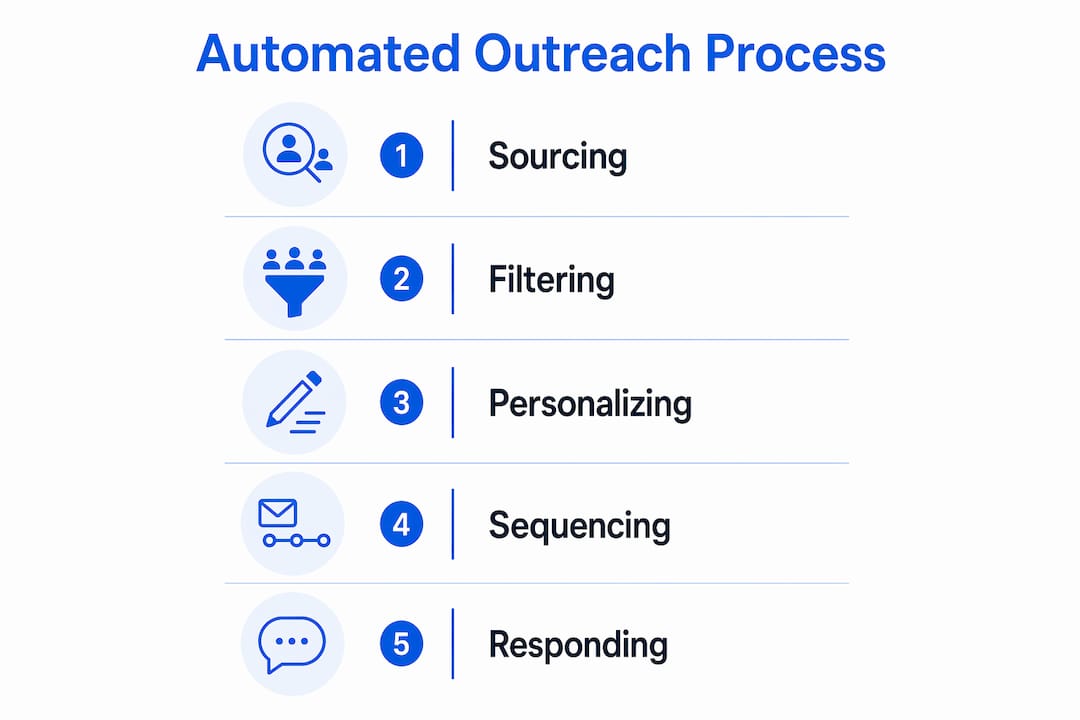
CRM integration ties everything together. Advanced pipelines follow a structured 5-step lifecycle: sourcing, filtering, deduplication, enriching, and multi-channel sequencing with state tracking. Your CRM, whether HubSpot or Salesforce, syncs qualified leads automatically so no prospect falls through the cracks.
Pro Tip: Before buying any tool, map your current process on paper. Identify the exact step where leads go cold. That step reveals which tool category you actually need first.
How do you build a high-performing outbound sequence?
Sequence design is where most campaigns either win or fail. A proven structure for high-performing outreach sequences involves 6–8 total touches over 14–21 days, spaced 2–3 days apart across email, LinkedIn, and phone calls. A standard breakdown looks like 4 email touches, 2 LinkedIn touches, and 1–2 phone touches. That spread matters because different prospects respond to different channels, and the repetition builds familiarity without crossing into spam territory.
Here is a step-by-step campaign build:
- Define your ideal customer profile. Set filters in Apollo or LinkedIn Sales Navigator by title, company size, industry, and geography before pulling a single contact.
- Enrich your list. Run your export through a waterfall enrichment process to verify emails and phone numbers. Bad data wastes every step that follows.
- Write your sequence. Draft 4 email variations, 2 LinkedIn messages, and a call script. Keep each message under 100 words. Lead with the prospect’s problem, not your product.
- Add AI personalization. Use a tool like Lavender or a ChatGPT integration to generate a custom first line for each prospect referencing a recent trigger, such as a new funding round or a LinkedIn post they published.
- Set timing and deferral rules. Schedule touch 1 on day 1, touch 2 on day 3, and so on. Build in deferral logic so the sequence skips a step if a prospect opens an email but does not reply, giving them a day before the next touch.
- Configure reply detection. Automated sequences should pause immediately when a prospect replies, alerting a human rep with full context including enrichment data, signal history, and sequence progress.
- Connect your scheduling link. Embed a Calendly or Chili Piper link in your final email touch so interested prospects can book without waiting for a human to respond.
Reply speed is not optional. Meeting-held rates drop 10–15% for every day of delay after an interested prospect responds. That is a measurable, avoidable loss.
Pro Tip: Use a campaign memory file, a simple markdown or YAML document, to log each prospect’s sequence stage, last touch, and any reply context. This is especially useful when managing long-running campaigns that pause and resume over several weeks without duplicating outreach.

What are the most common automated outreach mistakes?
Even well-designed campaigns break down at predictable points. Knowing where they fail lets you fix problems before they cost you pipeline.
Poor contact data quality is the most common root cause of underperforming campaigns. A list with 20% bad emails triggers spam filters, damages your sender reputation, and skews your open rate data. Waterfall enrichment solves this before the sequence launches.
Generic messaging kills reply rates faster than any deliverability issue. Prospects receive dozens of outreach emails daily. A message that opens with “I wanted to reach out about our solution” gets deleted in under two seconds. AI-generated personalization tied to real signals, like a company’s recent product launch or a prospect’s new role, is now the baseline expectation, not a differentiator.
Sequence fatigue happens when a prospect receives too many touches in too short a window. Spacing touches 2–3 days apart and capping the sequence at 8 touches prevents this. If your reply rate drops below 2% on a campaign, the sequence is either too long or the messaging is off.
The human response gap is the most overlooked conversion killer. Automation handles the first 6–7 touches perfectly, but every day of delay after a prospect replies costs you 10–15% of meetings held. Assign a dedicated rep to monitor reply alerts in real time, not once a day.
Deliverability issues stem from sending too many emails from a new domain, using spam-trigger words, or skipping email warm-up. Tools like Instantly and Lemlist include built-in warm-up features that gradually increase send volume to build sender reputation.
Compliance is not optional. CAN-SPAM in the United States and GDPR in Europe require clear opt-out mechanisms and honest sender identification in every outreach email. Build these into your outreach email templates from day one.
How does AI take your outreach automation further?
Basic email outreach automation schedules messages. AI-powered systems do something fundamentally different: they research prospects, adapt messaging in real time, and manage entire campaigns with minimal human input.
AI personalization at scale
The most effective AI applications in outreach tie personalization to live triggers. When a prospect’s company announces a funding round or a contact changes jobs, an AI system detects the signal and generates a relevant opening line automatically. This approach, described in detail in AI-powered outreach techniques, consistently outperforms static templates because the message arrives when the prospect is most likely to be receptive.
Autonomous outreach agents
The frontier of lead generation automation is the autonomous outreach agent. These systems manage entire campaigns including lead research, personalization, sequencing, and follow-ups using looping commands and mission tracking files to maintain continuity across weeks. Think of it as a junior SDR that never sleeps, never forgets a follow-up, and logs every action. The human rep steps in only when a prospect replies with genuine interest.
AI also improves lead prioritization through scoring models that rank prospects by engagement signals, company fit, and behavioral data. A rep who works from a scored list closes more meetings per hour than one working from a raw export.
Pro Tip: AI does not replace human judgment on high-value deals. Use it to handle the top of the funnel and free your best reps to focus on the conversations that actually require nuance. For a deeper look at where AI fits in your broader marketing mix, the real role of AI in marketing is worth reading before you build your stack.
Key takeaways
A well-built automated outreach process converts raw prospect data into booked meetings by combining accurate data, multi-channel sequencing, AI personalization, and fast human reply handling.
| Point | Details |
|---|---|
| Build the right stack | Use Apollo or LinkedIn Sales Navigator for sourcing, Clay for enrichment, and Calendly for scheduling. |
| Design a 6–8 touch sequence | Space touches 2–3 days apart across email, LinkedIn, and phone over 14–21 days. |
| Personalize with live signals | Use AI to generate opening lines tied to funding rounds, job changes, or recent posts. |
| Respond to replies fast | Every day of delay after a prospect replies drops meeting-held rates by 10–15%. |
| Maintain campaign state | Use handoff files to pause and resume long sequences without duplicating outreach. |
Why automation without urgency is just expensive spam
I have reviewed dozens of outreach setups for business owners who were convinced their automation was working because the emails were going out. The emails were going out. The replies were sitting unanswered for 48 hours.
That is the single most common and most fixable failure I see. Automation handles the drudge work of data gathering, sequencing, and triggering. It does not close deals. The moment a prospect raises their hand, a human needs to be there within the hour, not the next morning.
The assembly line analogy is accurate. Raw data goes in one end, and booked meetings come out the other. But every assembly line has a quality check station where a human makes the call. In outreach, that station is the reply inbox.
The other thing most guides skip is state management. If you are running campaigns over three or four weeks, you need a system that remembers where each prospect is in the sequence. Without it, you will double-contact people, confuse your own reps, and burn goodwill you spent seven touches building. A simple YAML or markdown handoff file, as used in structured outbound workflows, solves this completely.
Start with one channel, one sequence, and one ideal customer profile. Get that working before you add LinkedIn touches or phone calls. Complexity added before the basics are proven just multiplies your problems. Scale what works, not what sounds impressive.
— Mike
How Mysearchhero helps you grow on autopilot
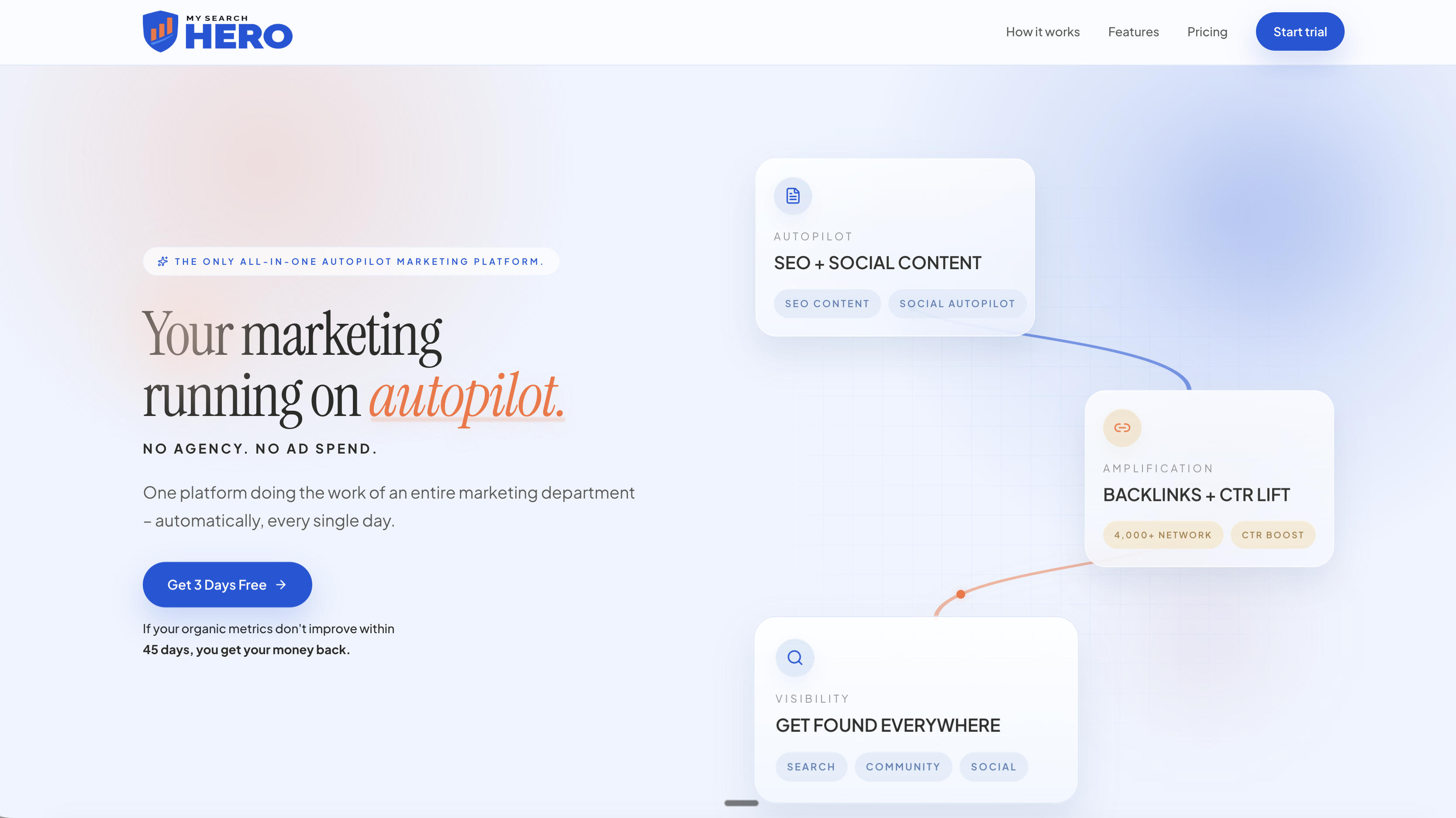
If building and managing an outreach stack sounds like a full-time job, that is because it often is. Mysearchhero takes a different approach: a done-for-you content and SEO pipeline that puts your online presence on autopilot. Each month, subscribers receive published articles, backlinks, Reddit mentions, and AI-generated social media posts pushed through a fully automated pipeline. For business owners and marketers who want to automate their SMB marketing without hiring an agency or building a tech stack from scratch, Mysearchhero delivers consistent, measurable output every single month.
The platform is built for people who want results without managing the process themselves. If that describes your situation, visit Mysearchhero to see what a fully automated content pipeline looks like in practice.
FAQ
What is an automated outreach process?
An automated outreach process is a software-driven system that handles prospect sourcing, personalized messaging, multi-channel follow-ups, reply detection, and meeting scheduling without manual effort at each step. Tools like Apollo, Lemlist, and Calendly are common components.
How many touches should an outreach sequence include?
A high-performing sequence includes 6–8 total touches over 14–21 days, combining email, LinkedIn, and phone contacts spaced 2–3 days apart.
What is waterfall enrichment in outreach automation?
Waterfall enrichment queries multiple data providers sequentially until a prospect’s contact information is verified. It reduces email bounce rates and improves overall list quality before a sequence launches.
How fast should you respond to outreach replies?
Reps should respond within 1 hour of a prospect reply. Delaying response by even one day reduces meeting-held rates by 10–15%, making reply speed one of the highest-leverage variables in any outreach campaign.
Does automation replace sales reps?
Automation does not replace sales reps. It removes repetitive tasks like data entry, sequencing, and scheduling so reps can focus on high-context conversations with prospects who have already shown interest.