
A blog generates leads for a local business when every post answers a question a nearby customer asks before they hire, points to the matching service page, and offers one clear next step. Volume matters less than that chain. The hard part is not writing one good post. It is publishing consistently, getting posts seen in your service area, and keeping each one connected to a page that can turn a reader into a call. That steady, repeatable output is exactly what we built MySearchHero to deliver for service businesses, with the articles published to your website each month.
This guide shows how the chain works, how to pick topics, how to write and place calls to action, how to get posts found, and how to tell whether the blog is paying for itself.
TL;DR
- Local blog leads come from posts that answer real pre-purchase questions, tied to a service page that can convert the visit.
- Choose topics from patterns that repeat across your customers: the situation, the constraint, the neighborhood, the timing.
- Give each post one next step that follows naturally from the content, not a pop-up that interrupts it.
- Distribution counts as much as writing: links, social posts and community mentions bring readers to a post that search has not yet surfaced.
- Measure calls, form fills and booked jobs per post, not page views alone.
Table of Contents
- How a blog turns readers into local leads
- Pick topics from customer questions, not keyword lists
- Write the post so it earns the call
- Connect every post to a service page
- Calls to action that feel like the next step
- Get posts found: optimize and distribute
- Measure what the blog produces
- What MySearchHero handles for you
- FAQ
- Sources
How a blog turns readers into local leads
A local lead is a person in your service area who contacts you: a call, a form, a quote request. A blog does not produce that directly. It produces visits from people who are researching a problem, and a small share of those visitors take the next step.
Research on how this works in practice is consistent. A peer-reviewed study of the “Digital Engine Model” by Huggins and Hansen found that website use significantly predicted call-to-action form completions, and that those form entries then feed a customer database for follow-up. The same study found social acquisition was the strongest driver of branded-website use, ahead of search. In plain terms: people arrive from several directions, and the site has to be ready to capture them when they do.
That gives you three jobs:
- Attract: publish posts that match what nearby customers actually search for and ask.
- Convert: make sure the post and the page it links to offer a clear way to reach you.
- Follow up: answer quickly, because a lead who waits calls the next business.
Blog lead generation differs from other local tactics. A Google Business Profile catches people who already search for a business like yours. Paid ads rent attention for as long as you pay. A blog builds pages that keep drawing visitors, and each one can introduce you to someone who did not yet know your name. We cover the wider picture in our guide to growing local traffic for service businesses.
Pick topics from customer questions, not keyword lists
The most common mistake is writing about your industry in general. A plumber who publishes “The history of plumbing” gets readers who will never hire them. The reader you want is typing something specific, like why a water heater leaks at the base, what a sump pump replacement costs, or whether a repair is worth it on an older home.

Search Engine Land’s guide to mapping local search intent suggests recording, for each service, the core need, the triggering situation, the qualifying constraints, the decision criteria, the geography and timing, and the stage of the decision. It also advises focusing on patterns that recur across customers rather than every imaginable scenario. If the same situation keeps showing up in your calls, it belongs in your content plan.
A simple topic worksheet
Take your top three services and, for each, write down:
- The five questions customers ask before they book (check your call notes, emails and reviews).
- The situation that usually triggers the call: a leak, a failed inspection, a season change, a move.
- The objection that slows the decision: price, trust, timing, disruption.
- The neighborhoods, towns or housing types where the job is most common.
Each line becomes a post. “What to do when your furnace stops on the first cold night” serves a triggering situation. “How much does a roof repair cost for a 1960s ranch” serves a price objection plus a housing type. Long, specific phrases bring fewer visitors but better ones: in HubSpot’s case study of a fiberglass pool company, the marketing lead noted that long-tail phrases brought less traffic but much higher lead conversion.
For more starting points, see our examples of content ideas for local businesses that build community and content marketing examples that attract more local clients.
Make it local on purpose
A post that could run in any city does little for a business that serves one. Name the places you work, the building styles and the local conditions you see on jobs: hard water, freeze-thaw cycles, older wiring, coastal humidity. Use real job photos and customer stories where you have permission. Thin, generic location pages read as thin, and visitors leave.
Write the post so it earns the call
A reader who lands on your post has a problem and little patience. Structure the post around that.
- Answer first. Put the direct answer in the first two sentences, then explain. Someone with a leaking pipe will not scroll through a story.
- Use real numbers. Typical price ranges, time on site, and what affects the cost build trust faster than adjectives. If prices vary by job, say what moves them.
- Show the decision. Explain when a homeowner can handle something and when they should call a professional. Honest guidance earns the call.
- Name your area. Mention the towns or neighborhoods you serve where it is natural, once or twice, not in every sentence.
- Keep it scannable. Short paragraphs, descriptive subheadings, a short list where steps exist.
The pool company in the HubSpot case study credited its results to sharing useful information, saying that without it people would not visit the site and fill out call-to-action forms. Over about a year and a half the blog reached roughly 45,000 monthly page views. That is one company’s result in one niche, not a promise, but the principle carries over: usefulness first, then the form.
Connect every post to a service page
A blog post is the front door. The service page is the room where the decision happens. If the post sends readers to a page with no phone number, no pricing guidance, no proof and no form, the traffic is wasted.
A workable routine for each post:
- Decide which service page the post supports before you write.
- Link to that page once or twice in the body, on words that describe the service, such as “water heater replacement in Dayton”.
- Check the service page: the phone number is visible on a phone screen, the form is short, reviews or job photos are present, and the service area is stated.
- Link a few related posts to each other so a visitor with one question finds the next.
This is also how a blog supports local search. Our local SEO tactics with examples walks through how service pages, location signals and supporting content fit together.
Calls to action that feel like the next step
A call to action (CTA) is the line, button or form that asks the reader to do something. The best ones read as the logical next step. In a RealTrends case study of a real estate brokerage, the marketing lead explained that a CTA should flow with the content rather than interrupt it: a post about a lakefront community links to lakefront listings. The brokerage reported blog-sourced online leads growing from about 5% of online leads to over 16% in 2016, using several CTA formats in each post. Treat those as one company’s figures from 2016, not a benchmark.
For a service business, that translates into:
- After the answer: “If you want someone to look at it, call us or request a visit.”
- Beside the cost section: “Get a written estimate for your address.”
- At the end: one form, three fields at most: name, phone, a line about the job.
Match the offer to the topic. A post on pre-winter furnace checks can offer a seasonal tune-up booking. A post on remodeling costs can offer a planning checklist. Topic-specific offers beat generic “subscribe” boxes because the reader already knows why they would want them.
One CTA type per post is usually enough for a small site. Too many buttons make the page look like an ad.
Get posts found: optimize and distribute
Publishing is half the work. Most local posts sit unread because nothing sends people to them.
On the page
- Put the main phrase and your area in the title and the first paragraph, written naturally.
- Write a clear meta description that promises the answer.
- Use descriptive image names and alt text for real job photos.
- Make sure the site loads fast and reads well on a phone, since most local searches happen on one.
- Add your business name, address and phone number consistently across the site and your Google Business Profile.
Our SEO best practices list for local businesses covers these basics in more detail.
Off the page
Three channels do most of the work for local businesses:
- Links from other sites. Mentions from local organizations, suppliers and publications tell search engines your pages are worth surfacing.
- Social posts. Because the Digital Engine Model study found social acquisition was the strongest driver of branded-website use, a post that never gets shared misses the channel that most reliably brings people back to your site.
- Community conversations. Forums and discussion threads about your trade are where people ask the questions your posts answer. A helpful, honest mention of your content, relevant to the thread, can bring qualified visitors.
We lay out the options in content promotion strategies for local businesses.
Measure what the blog produces
Page views tell you little. A post with 200 visits and four calls beats one with 2,000 visits and none. Track these for every post:
| What to track | Where to find it | What it tells you |
|---|---|---|
| Organic visits by page | Search Console, analytics | Which topics people actually find |
| Calls and clicks to call | Call tracking, analytics events | Which posts prompt a phone contact |
| Form submissions by page | Form tool, analytics goals | Which posts and CTAs convert |
| Booked jobs by source | Your scheduling or invoicing records | Which leads became revenue |
Ask every new customer how they found you and record the answer, then match it to the post when you can. This step is free and often reveals leads that analytics misses.
Review monthly, not daily. Blogs compound slowly. In the HubSpot case study, the pool company’s subscriber count went from 70 after six months to 180 three months later, and long-tail terms drew over 1,000 organic visits in two weeks. Early months look quiet, and the curve steepens as posts accumulate.
Once you see which posts bring calls, do more of what works: update them, add detail, and write related posts on the next question in the same topic.
A realistic monthly rhythm
For a one-location service business:
- Week one: pick the month’s topics from call notes and customer questions.
- Week two: publish, and link each post to its service page.
- Week three: share each post and place it where customers ask related questions.
- Week four: review calls, forms and booked jobs per post, then update the plan.
The hard part is not the plan. It is doing it every month while running jobs. Most owners stop after a few posts.
Our view: consistency wins, and it should not cost your evenings
We built MySearchHero for owners who know a blog would help and have no hours to run one. A blog works when posts keep appearing, link to the right pages and get seen. That is a pipeline problem, not a talent problem.
So each month our subscribers receive a bundle: SEO articles published to their website, backlinks from a publisher network, Reddit brand mentions in relevant conversations and AI-generated social posts across platforms, with reporting on the results. The pieces are designed to work together, so the article, the links pointing to it and the social posts that carry it out all reinforce one another instead of living with three different vendors.
Our advice to any local owner: decide which service pays best, publish steadily around the questions its customers ask, connect every post to a page that converts, and judge the work by calls and booked jobs. If you want that routine handled for you, that is what we do.
Mike
What MySearchHero handles for you
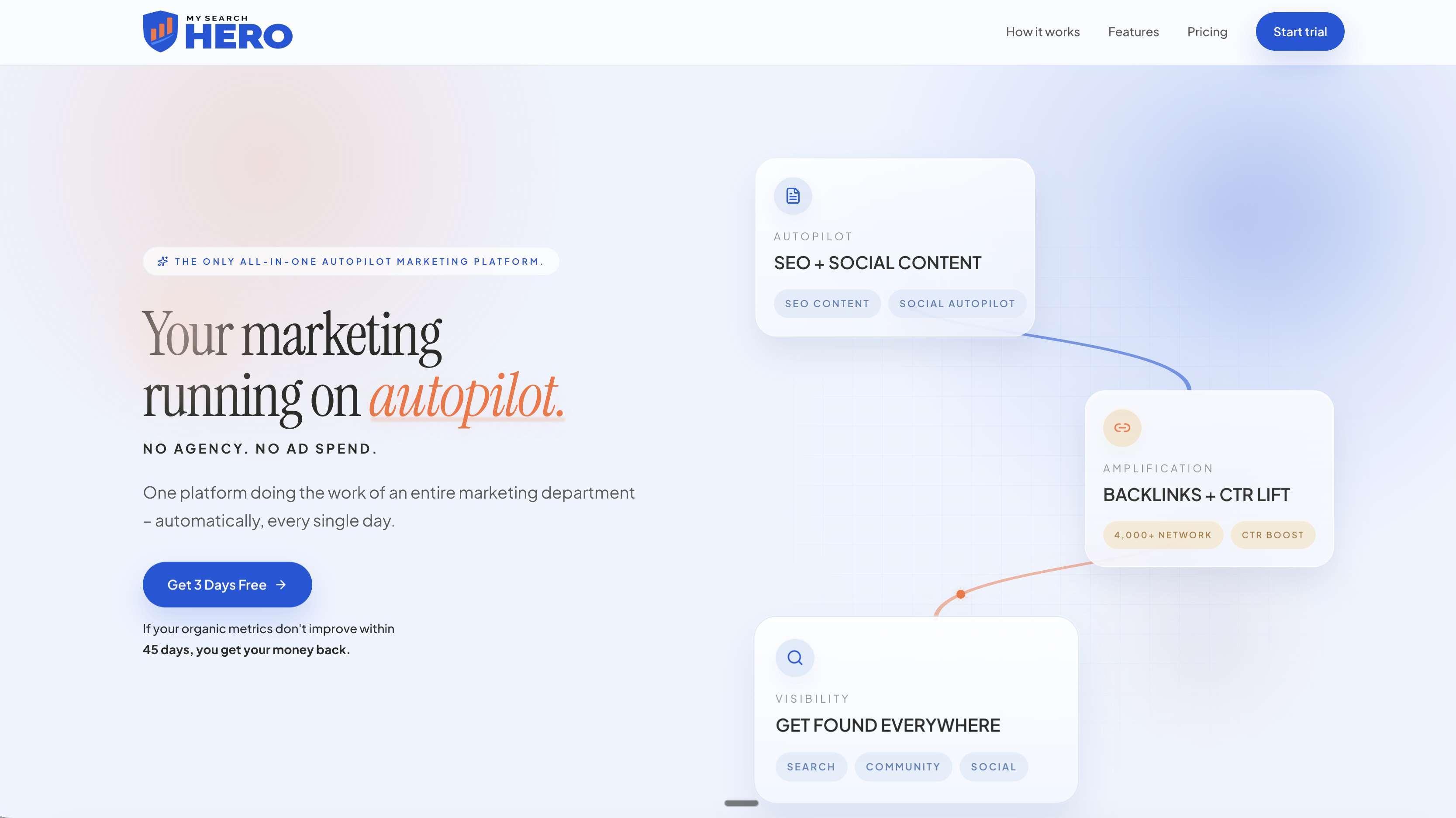
If you would rather run jobs than run a content calendar, MySearchHero delivers the monthly routine described above: published SEO articles, backlinks, Reddit mentions and social posts, with reporting. Plans start with Spark at $197 per month or $1,970 per year, then Authority at $297 per month or $2,970 per year, and Hero at $397 per month or $3,970 per year. Hero combines SEO, backlinks, CTR boosting, Reddit presence and social posting in one plan. An Enterprise plan is listed at $2,997 per month. A 45-day money-back guarantee applies if organic metrics do not improve.
See the plans and start on the MySearchHero site.
FAQ
How many blog posts does a local business need to see leads?
There is no fixed number, and results depend on your market and topics. What matters is steady publishing on questions customers ask, tied to service pages. In the HubSpot case study, the pool company’s blog took months to build, and its traffic grew as posts accumulated. Plan for several months of consistent output before judging the results.
What should a local business blog about?
Write about the real questions customers ask before they hire you: costs, timing, what to do in a given situation, and how to choose between options. Include the neighborhoods and housing types you serve. Search Engine Land recommends focusing on recurring patterns across customers, so your call notes are the best topic list you have.
Where should the call to action go in a blog post?
Place it where the reader has just gotten what they came for, usually after the direct answer and again at the end. It should feel like the next step in the topic, such as booking an inspection after a post about warning signs. One clear action per post, with a short form or a visible phone number, works better than several competing buttons.
How do I know if my blog is generating leads?
Track calls, form submissions and booked jobs by page, and ask each new customer how they found you. Compare posts monthly. Page views alone do not show whether a post brings customers, so tie each post to a service page and count the contacts that follow.
Sources
- The Digital Engine Model: Lead Generation Through Applied Inbound Marketing (Huggins and Hansen, 2023)
- 6 steps to map local search intent beyond keyword data (Search Engine Land)
- Case Study: Focusing On Hyper-Local Content (RealTrends)
- River Pools blogging case study (HubSpot)