
The best Google Business Profile post ideas for a local service business are proof, offers, seasonal reminders and answers to the questions customers ask before they call. Show a finished job, announce a deal with an end date, tell people what to do before the weather turns, and answer one common question per post. Below are 25 ideas with example wording, the rules that keep posts from being rejected, and a simple weekly rhythm you can keep up.
TL;DR
- Google offers three post types: Updates, Offers and Events. Most service businesses will live in Updates and use Offers when a deal has an end date.
- The strongest ideas show proof (finished jobs, reviews) or answer a question a customer would ask before calling.
- Put the point in the first sentence, add a real photo, and use a button (Call, Book, Learn more) instead of typing a phone number in the text.
- Posts older than 6 months are archived unless you set a date range, so plan a steady rhythm rather than one big batch.
- Check which posts get clicks and calls, then repeat the formats that work.
Table of Contents
- What you can actually post on your profile
- 25 Google Business Profile post ideas
- Example posts you can adapt
- How to write a post that gets read
- Rules that keep posts from being rejected
- How often to post and how long posts last
- What to do about measurement
- Our view: posting is a system, not a mood
- Want the posting handled for you?
- FAQ
- Sources
What you can actually post on your profile
Google’s own help page lists three post types: Updates, Offers and Events. Updates share general information about your business. Offers promote a sale or deal. Events promote something happening at your business.
An Update can carry a description, a photo or video, and an action button that sends people to book, order online or learn more. That button matters more than most owners realize. A post without one is a nice picture. A post with one is a path to your phone or your booking page.
For service businesses, the practical split looks like this:
| Post type | Best for | Example |
|---|---|---|
| Update | Finished jobs, tips, team news, seasonal reminders, answers to common questions | “Replaced a 14-year-old water heater today. Here is what we checked first.” |
| Offer | A deal with a clear start and end | “$50 off a drain cleaning this month. Mention this post when you call.” |
| Event | Open houses, workshops, community days, grand openings | “Free dryer vent safety demo at our shop, Saturday 10 a.m.” |
Do not agonize over the choice. If it has a deal, make it an Offer. If it has a date and a place, make it an Event. Everything else is an Update.
25 Google Business Profile post ideas
These are grouped by what they do for the customer. Pick two or three groups and rotate, rather than trying to cover every idea.
Proof posts: show the work
People reading a post are often early in their search. They are comparing, not buying yet, so evidence of competence carries the most weight.
- Before and after. One photo of the problem, one of the result, with a single sentence about what you did. “Cracked driveway edge, fixed and resealed in one day.”
- Job of the week. A short story: the problem, what you found, what you did, how long it took.
- A review, quoted with permission. Use one or two sentences of the review and name the service it was for. Specific reviews persuade better than generic praise.
- Certification or license update. A new license, a manufacturer training, an insurance renewal. Say what it means for the customer, not just that you have it.
- Team spotlight. A technician, their years on the job and what they like fixing. People call people.
- Behind the scenes. The truck stocked at 7 a.m., the shop, the tools. It makes a faceless company feel real.
Answer posts: take the question before it is asked
- A common question, answered in three sentences. “How long does a roof inspection take? Usually 45 minutes to an hour for a standard home.” Only state what is true for your business.
- A warning sign. “Three signs your AC needs service before summer.” Short, practical, no scare tactics.
- What to prepare before we arrive. Clear the area, locate the shutoff, have your account number handy. It cuts friction before the first call.
- A price-range explainer. If you publish pricing, say what changes the price. If you do not, explain what goes into a quote.
- A myth you hear all the time. Correct it politely and give the real answer.
- Service area reminder. List the towns or neighborhoods you cover, with a photo from one of them.
Timely posts: tie to the calendar
- Seasonal checklist. Gutters in fall, pipes before the first freeze, AC tune-ups in spring.
- Weather alert. After a storm, tell people you are taking inspection calls and how to reach you.
- Holiday hours. Simple, useful, and often searched. Update your profile hours as well.
- Local event tie-in. A sponsorship, a cleanup day, a school fundraiser.
- Availability update. “Two openings this week for same-day appointments.” Only post it when it is true.
Action posts: ask for the call
- Limited-time offer. Give it a real end date and a plain condition.
- New service announcement. What it is, who it is for, how to book.
- Free estimate or free inspection. Say exactly what is included.
- Seasonal package. Bundle two related services at a clear price.
- Referral or repeat-customer thank-you. Describe the benefit in one line.
- Booking reminder. “Spring schedules fill early. Book your tune-up.” Pair it with the Book button.
- Event invitation. A workshop, open house or demo, posted as an Event.
- New location, new crew or new hours. Anything that changes how a customer reaches you.
The content ideas for local businesses that build community on our blog can feed the same pipeline: a topic that works as a Facebook post often works, shortened, as a profile post.
Example posts you can adapt
Here are three, written for different trades. Swap in your own facts. Do not copy numbers you cannot back up.
Plumber, proof post (Update):
“Slab leak found and fixed on Maple Street this morning. The homeowner noticed a warm spot on the floor and an unusually high water bill. We located the leak without tearing up the whole room. If your floor feels warm and you are not running heat, call us.” Button: Call now.
Landscaper, timely post (Update):
“Leaves are coming down. Schedule your fall cleanup before the first hard frost so beds are cut back and mulched before winter.” Button: Book.
Dentist, action post (Offer):
“New patient exam and X-rays at a flat price through the end of the month.” Add the price, the end date, and the terms in the offer fields. Button: Book.
Notice what these have in common. The first sentence carries the news. A real detail replaces a vague claim. The ask is one step, not three.
How to write a post that gets read
Lead with the point
On a phone, people see only the opening lines of a post before deciding whether to tap. Put the headline fact first: the job, the deal, the warning. Save the background for later or skip it.
Be specific, not superlative
Claims like “the best plumber in town” tell the reader nothing. “Same-day repairs on most water heaters, with a 12-month labor warranty” does, as long as it is true and you honor it. Describe what you actually do, with the detail a neighbor would care about.
Use a real photo
A photo from the job beats a stock image almost every time. Take pictures on site, with permission when a customer’s home or face is in frame. Keep the subject in the center, because images can be cropped differently across Search and Maps.
Pick the right button
Google’s developer documentation lists the supported call-to-action buttons as BOOK, ORDER, SHOP, LEARN_MORE, SIGN_UP and CALL. Match the button to the post:
- Emergency or same-day service: Call.
- Appointment-based service: Book.
- A tip, guide or service page: Learn more.
- A workshop or newsletter: Sign up.
Send the button to a page that matches the post. A post about drain cleaning should land on your drain cleaning page, not your home page.
Keep it short
One idea per post. Two to four short sentences is plenty for most Updates. If you need more room, put the detail on a page of your site and link to it with Learn more.
Rules that keep posts from being rejected
Google’s content policy for photos, videos and posts asks for relevant, timely content that follows applicable laws and Google’s policies. Three practical points from it:
- Do not type unverified contact details into the post text. That covers phone numbers, email addresses and social media handles. Use the Call button, which uses the verified number on your profile.
- Keep posts about your business. Off-topic content, political commentary and unrelated promotions are the usual reasons posts get flagged.
- Check industry limits. Google says, for example, that hotels cannot create Offer posts or posts that mention or link to deals, promotions, special offers or discounts. If you work in a regulated or restricted category, read the full policy before you build a posting plan.
If a post is declined, edit it to remove the problem and resubmit, rather than posting the same text again and again.
How often to post and how long posts last
Google says posts can be scheduled or published on a recurring basis, weekly, monthly or on a custom schedule. It also says posts older than six months are archived unless you set a date range. So a post from spring will not still be working for you in the fall. Offers and Events need start and end dates anyway.
A rhythm that most small teams can sustain:
- Week 1: a proof post (finished job or review).
- Week 2: an answer post (a question customers ask).
- Week 3: a timely post (season, weather or local event).
- Week 4: an action post (offer, booking reminder or new service).
One post a week is enough. Consistency beats volume. A profile that has posted every week for a year looks alive. One that posted ten times in January and never again looks abandoned.
If you have several locations, give each one its own photos and details. Identical text across every listing reads as lazy and tells customers nothing about the branch they are about to visit.
What to do about measurement
Google posts will not usually be your biggest traffic source, so judge them by what they lead to: calls, direction requests, bookings and clicks to your site. Look at which post types get clicks, then make more of those. If the offer posts get calls and the tips get none, shift your mix.
Track results over a few months, not a few days. Compare calls and website clicks from your profile before and after you start a steady posting rhythm, and note anything else that changed at the same time, such as a new review push or a seasonal spike. For a wider view of how your profile, your site and your content perform together, a search visibility analysis shows how to line up those signals in one report.
Posts also work best alongside a well-kept profile. Our guide on why updating your business profile matters covers the fields, photos and hours that customers see next to your posts. For the bigger picture, see our local SEO tactics with examples and the SEO best practices list for local businesses.
Our view: posting is a system, not a mood
We talk to a lot of owners who start strong with their Google posts and stop by week six. The reason is rarely that they ran out of ideas. It is that the work is small, repeated and never urgent, so it loses to the job on the schedule.
Our view is that visibility compounds when it is steady. A post, an article, a mention and a link each add a little. None of them wins alone. The owners who do best treat marketing like a route they run every week, not a project they finish. That is why we built MySearchHero around a monthly bundle of deliverables: published articles, backlinks, Reddit mentions and social posts, produced on a schedule so that consistency does not depend on how busy you were last Tuesday.

If you are doing this yourself, build a list of 20 post ideas from this article, assign each to a week, and shoot the photos while you are on the job, not afterward. A phone and two minutes at the end of each job will supply most of what you need.
Our social media posting guide for small businesses lays out a simple weekly routine that you can adapt to your profile.
— Mike
Want the posting handled for you?
MySearchHero is built for local and service business owners who want steady visibility without hiring several providers. Each month’s bundle includes SEO articles published to your website, authority backlinks, Reddit brand mentions and AI-generated social media posts, with reporting. Plans start at $197 per month for Spark, with Authority at $297 per month and Hero at $397 per month. Annual billing is $1,970 for Spark, $2,970 for Authority and $3,970 for Hero. We back it with a 45-day money-back guarantee if organic metrics do not improve.
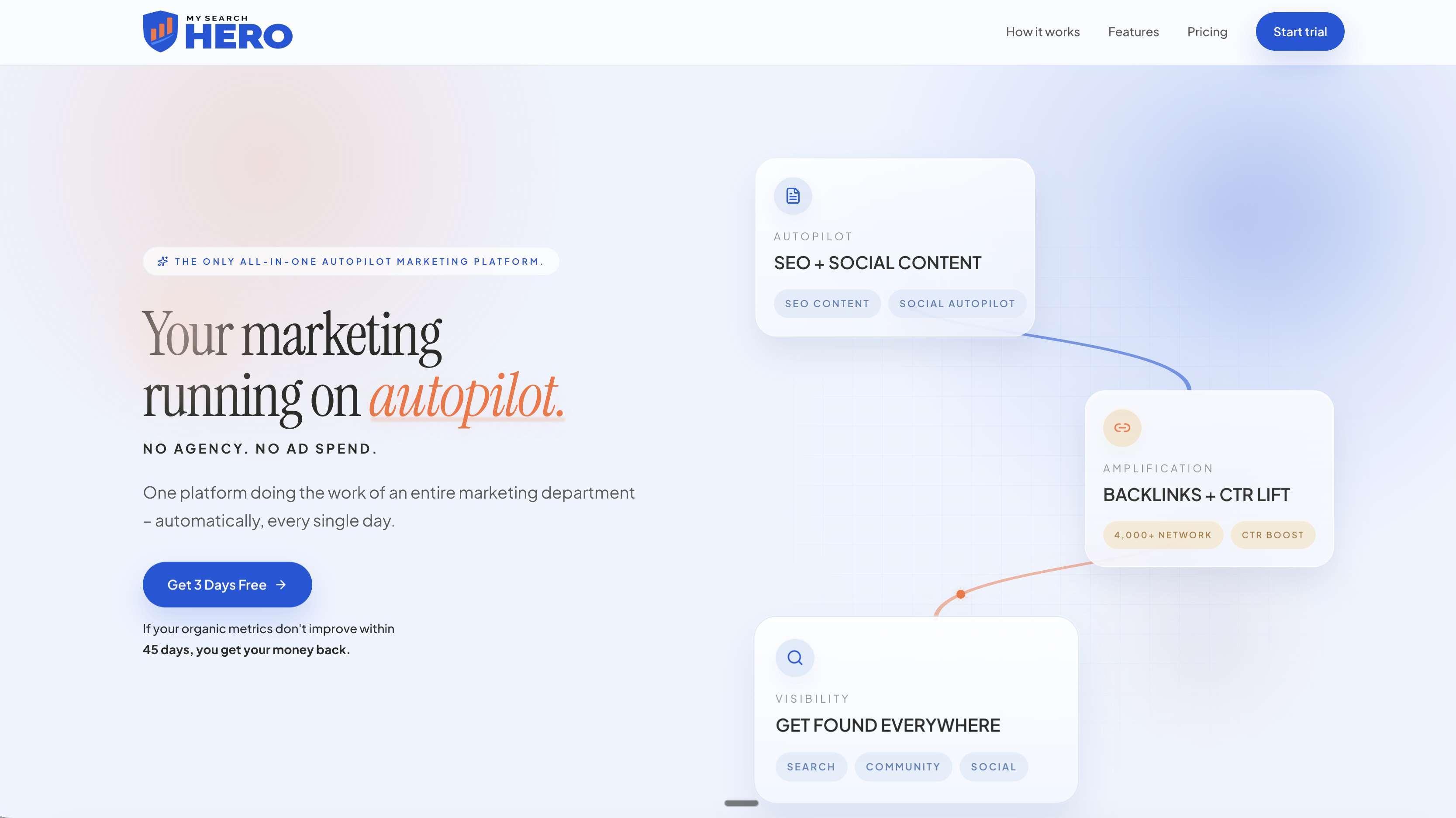
See the plans on the MySearchHero home page and pick the one that fits your business.
FAQ
What should I post on my Google Business Profile?
Start with proof of your work: finished jobs, reviews and team photos. Add answers to common customer questions, seasonal reminders and offers with an end date. Pick the post type that fits: Update for general news, Offer for deals, Event for something with a date and place.
How often should I post?
Google allows weekly, monthly or custom recurring schedules. For most small businesses, one post a week is a good target. Keep it steady rather than posting in bursts, because posts older than six months are archived unless you set a date range.
Can I put my phone number or website in the post text?
Avoid typing unverified phone numbers, email addresses or social media handles in the text, since Google’s policy flags them. Use the Call button for your verified number and the Learn more or Book button for links.
Do Google posts help my local rankings?
We cannot promise that, and Google does not say posts are a ranking lever. What they do is give people who already found your profile a reason to trust you and a button to act. Judge them by calls, bookings and website clicks.
How long should a Google Business Profile post be?
Short. Lead with the main point in the first sentence, add two to four short sentences at most, and use a real photo. If you need more space, link to a page on your site with the Learn more button.
Sources
- Create & manage posts on your Business Profile, Google Business Profile Help
- Business Profile photos, videos & posts content policy, Google Business Profile Help
- Create Posts on Google, Google Business Profile APIs
- 5 Steps to a Unified Search Visibility Analysis for Agencies