
You can automate Google Business Profile posts for free, inside Google’s own post tool. Write the post, turn on scheduling to pick a future date and time, and use the repeat option when the same update should come back weekly or monthly. If you manage several locations, you can send one post to all of them in a single step. The rest of this guide covers the exact steps, what to batch in advance, how to use AI drafts safely, and which rules get posts rejected.
TL;DR
- Google’s built-in post creator can schedule posts for a future date and time and repeat them on a custom, weekly or monthly basis, at no cost.
- One post can be published to several Business Profile locations at once by selecting them when you finish the post.
- AI tools can draft posts quickly, but you still need to check every facts, phone number, price and offer before it goes live.
- Google reviews each post against its content policies. A post shows as Live, Pending or Not approved, so check the status after you schedule.
- Automating posts works best as one part of a steady content routine: Google posts, website articles, backlinks and social posts that all say consistent things.
Table of Contents
- What “automating Google posts” really means
- How to schedule a Google Business Profile post
- Set a post to repeat
- Post to multiple locations at once
- Do you need third-party tools or the API?
- Can ChatGPT and other AI tools write your Google posts?
- Rules that keep posts from being rejected
- A simple monthly routine to automate Google posts
- Where Google posts fit in your wider marketing
- Our perspective: automate the whole routine, not one channel
- Put the rest of your marketing on autopilot
- Common mistakes to avoid
- FAQ
- Sources
What “automating Google posts” really means
When a local business owner searches for this, they usually mean one of three things:
- Scheduling. Write posts in one sitting and have them go live later.
- Recurring posts. Set one post, such as a weekly special, to repeat without rewriting it.
- Generating the content. Have software or AI draft the text so you are not staring at a blank box every Monday.
The first two are built into Google. According to Google’s Business Profile help page on creating and managing posts, you can post updates, offers and event details that show up for customers on Search and Maps, and the post creator lets you schedule and repeat them. The third is where AI and outside tools come in.
There is a fourth meaning, which is connecting software directly to Google through its Business Profile API, so posts publish with no human clicking anything. That path exists, but it is the one most small businesses do not need, and I explain why below.
How to schedule a Google Business Profile post
The native scheduler is the most practical starting point for a single-location business. It costs nothing and sits inside the screen you already use to manage your listing. Here is the process Google describes:
- Open your Business Profile dashboard (search for your business name while signed in to the managing account, or use the Business Profile manager).
- Select Posts and start a new post.
- Write your content and add a photo or video.
- Turn on Schedule this post and choose the future date and time.
- Select Post to queue it.
These steps come from Google’s guidance on creating and managing posts. Google changes its interface from time to time, so if a button is labeled slightly differently on your screen, look for the same option under the same Posts area.
Pick the right post type
Google lets you share updates, offers and events. A simple way to choose:
- Update: news, a new service, a seasonal reminder, a project you just finished.
- Offer: a discount or promotion with clear terms.
- Event: something with a start and end date, such as a free estimate day or an open house.
If you mostly have general news, go with updates. Use offers only when you have something concrete to give, because a vague “great deals” post gives the customer nothing to act on.
Set a post to repeat
Inside the same post creator you will find a Repeats dropdown. It lets you set the post to recur on a custom, weekly or monthly schedule, per Google’s post help page.
This is the nearest thing to true autopilot Google offers, and it suits content that stays true:
- A monthly reminder to book spring or fall service
- A weekly note on your regular hours or your emergency availability
- A standing invitation to request a free quote
It does not suit anything that changes. A repeating post with last season’s price or an expired promotion looks careless and can mislead customers. Put a calendar reminder every quarter to review anything you set to repeat.
Post to multiple locations at once
If you run more than one location, you do not have to rewrite and re-upload the same update for each profile. When you finish a post, you can select multiple profiles and publish it to all of them at the same time, according to Google.
A practical tip: share the common message across locations, but swap in local details where they matter, like a phone number, a neighborhood name or a team member’s photo. Posts that are identical across ten locations feel generic. If you are building out more than a handful of listings, our multi-location SEO guide covers how to keep each one distinct without doubling your workload.

Do you need third-party tools or the API?
For most single-location service businesses, no. Third-party schedulers exist, generally social media dashboards that add Google Business Profile as one more channel. They make sense if you already publish to several social networks from one place and want everything in a single calendar.
Two things to know before going that route:
- Permissions matter. Tools that connect to your profile usually need you to authorize access with an account that has an owner or manager role on the listing. If your web designer or an old employee owns the listing, sort that out first.
- Direct API access is gated. Google restricts its Business Profile API, and access generally depends on an approval process tied to business verification and a legitimate use case. Building your own workflow that pushes posts straight from a spreadsheet is therefore a project for a developer, not an afternoon job. Many tool vendors handle that approval for you, which is why they exist.
For a plumber, dentist or landscaper with one or two listings, the free scheduler plus a monthly batching habit gets you 90% of the benefit with none of the setup.
Can ChatGPT and other AI tools write your Google posts?
Yes, they can draft them. Describe the service, the audience, the tone and the call to action, and an AI assistant will return a usable first version in seconds. That removes the hardest part of regular posting, which is getting started.
What you cannot hand over is the review. Before you schedule an AI-written post, check:
- Facts about your business. Hours, service areas, license claims, years in business, and anything it “assumed”. AI can sound confident and be wrong.
- Prices and offers. Only include terms you will honor.
- Phone numbers. Google says phone numbers may be rejected when it cannot verify they connect to your business, so use the number on your profile.
- Sensitive information. Never ask customers to send personal or confidential details such as private financial information or government-issued IDs. Google’s guidelines for representing your business prohibit soliciting this in Business Profile content.
- Local flavor. Swap generic phrases for something only you would know: a street name, a recent job, a local event.
A good prompt includes the actual job you did last week. “Write a 100-word update about replacing a water heater in a 1960s Phoenix home, friendly tone, ending with an invitation to call for a quote” beats “write a plumbing post” every time.
Rules that keep posts from being rejected
Automation only helps if the posts actually go live. Google reviews all posts against its content policies, and each one shows a status: Live (public), Pending (still processing or unverified), or Not approved (a violation), as described in Google’s post status documentation.
Keep these in mind:
- Avoid offensive language or imagery.
- Avoid content about regulated products.
- Do not include phone numbers you cannot show are connected to your business.
- Do not ask for private or confidential details.
After you schedule a batch, look at the status once the posts go out. A scheduled post that gets flagged does nothing for you, and you will not know unless you check. Make it part of the monthly routine rather than relying on memory.
A simple monthly routine to automate Google posts
Here is a routine that takes about an hour a month for a single location:
- Collect raw material (15 minutes). Photos from recent jobs, new reviews you are proud of, upcoming seasonal needs, any real offers.
- Draft four to eight posts (20 minutes). Use an AI assistant for first drafts, then edit for accuracy and voice.
- Schedule them (15 minutes). Spread them across the month, using the scheduler for one-time posts and the repeat option for evergreen reminders.
- Check statuses (10 minutes). Mid-month, confirm they show as Live and fix anything marked Not approved.
If you are short on ideas, our list of content ideas for local businesses is a good place to find topics that connect with the neighborhood. And for the bigger picture on why keeping your listing active matters, see why updating your business profile pays off.
Where Google posts fit in your wider marketing
A Google post is a small piece of a bigger puzzle. It lives on your profile, it is short, and customers who see it are usually already close to choosing a provider. It does not replace a website that explains your services in depth, links from other sites that show you are trusted, or a presence in the places your customers talk.
The businesses that get the best return keep the same message consistent everywhere: the service you push in a Google post should match a page on your site and a social post that week. Our local SEO checklist lays out the other steps in order, and the social media posting guide shows how to repurpose one idea across channels. Consistency is also the reason regular publishing works, which we explain in why publish regularly.
Our perspective: automate the whole routine, not one channel
We built MySearchHero around a simple observation: small service businesses do not fail at marketing because they lack ideas. They fail because the work is never-ending and the owner is busy running jobs. A scheduled Google post helps, and we recommend using Google’s free tools. But if the only thing you automate is one post type, you still carry every other task yourself.

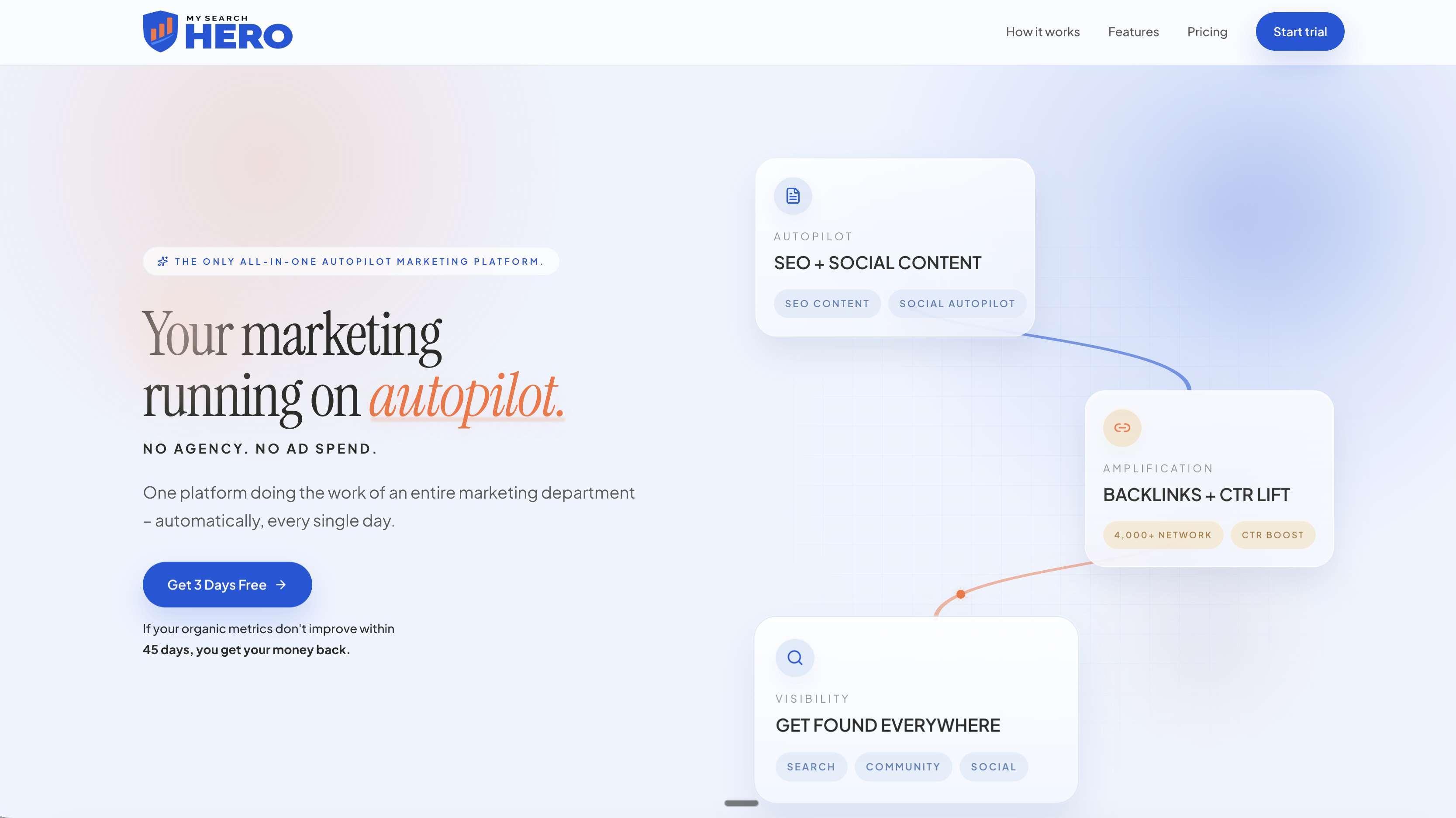
That is why our approach is to treat visibility as one connected pipeline. Each month, subscribers receive a bundle of deliverables: published articles on their own site, authority backlinks through a publisher network, Reddit brand mentions in relevant conversations, and AI-generated social posts across multiple platforms, with CTR signal boosting and reporting built in. The idea is that assets are created daily and the visibility compounds, without ad spend or an agency retainer.
The most useful lesson from automating anything is that consistency beats intensity. A business that publishes something useful every week for a year will usually look more established than one that does a burst of effort in January and disappears. Automation exists to make that consistency cheap. Whether you do it with Google’s scheduler, with our platform, or with both, the goal is the same: show up regularly with something worth reading.
— Mike
Put the rest of your marketing on autopilot
If scheduling Google posts is one more thing on a long list, MySearchHero is designed to take the list off your desk. Plans are published on our site: Spark is $197 per month, Authority is $297 per month, and Hero is $397 per month, with annual options of $1,970, $2,970 and $3,970 per year for the same three tiers. An Enterprise plan is $2,997 per month. Hero combines SEO, backlink building, CTR boosting, Reddit presence and automated social posting in a single plan, and it is backed by a 45-day money-back guarantee if your organic metrics do not improve.
You can compare the tiers and start on the MySearchHero plans page.
Common mistakes to avoid
- Scheduling and forgetting. Check statuses and review repeating posts every quarter.
- Publishing raw AI output. Edit for accuracy, local detail and a clear next step.
- Stale offers. Never let a repeating post advertise a deal that has ended.
- Identical posts at every location. Swap in local details.
- Over-promising. If you say “same-day service”, make sure you can deliver it.
- Treating posts as the whole strategy. They support your site and reputation, they do not replace them. For more on how these pieces fit together, browse our local business marketing tips and examples of local SEO tactics.
FAQ
Can I schedule Google Business Profile posts for free?
Yes. Google’s own post creator includes a scheduling option. Create the post, turn on the schedule setting, choose a future date and time, and select Post to queue it. There is no charge for this feature.
Can a Google post repeat automatically?
Yes. The post creator has a Repeats dropdown that can recur a post on a custom, weekly or monthly basis. Use it for evergreen messages and review them regularly so nothing outdated keeps appearing.
Can I publish one post to several locations?
Yes. When you finish a post, you can select multiple profiles and publish to all of them at once. Adjust details like phone numbers or neighborhood names where they differ by location.
Can ChatGPT automate my Google posts?
It can draft the text, but you still need to review and schedule the result. Check hours, prices, offers and phone numbers, and keep personal or confidential information out of the post. Google’s content policies apply to AI-written posts the same as any other.
Why does my scheduled post show Pending or Not approved?
Pending means Google is still processing the post or cannot yet verify something in it, such as a phone number. Not approved means it violated a content policy. Edit the post to remove the problem, such as restricted content or an unverifiable number, and resubmit.
Sources
- Create & manage posts on your Business Profile, Google Business Profile Help
- Guidelines for representing your business on Google, Google Business Profile Help