
An automated content calendar is a posting plan that software helps fill, draft and publish for you, so your business shows up every week without you rebuilding the schedule each Monday. For a local or service business, the useful version does three things: it keeps a steady rhythm, it drafts posts from your real work, and it sends everything past you for approval before it goes live. This guide shows how to set one up, what to automate, where to keep a human in the loop, and how to tell whether it works.
TL;DR
- An automated content calendar plans topics, drafts posts and schedules them. You still approve what goes out under your name.
- Start small: one goal, one main platform, and a cadence you can keep for months, not weeks.
- Automate scheduling, formatting and reporting. Keep a person on tone, facts, local details and any paid or gifted promotion.
- Track a few numbers weekly (reach, clicks, shares) and feed what wins back into your prompts and voice notes.
- If you would rather not run the system yourself, a done-for-you service can handle the whole pipeline.
Table of Contents
- What an automated content calendar actually is
- Decide these five things before you automate
- How to build the calendar in six steps
- What to automate and what to keep human
- Keep automated posts accurate and local
- Disclosure rules still apply to automated posts
- Track results and tune the system
- Common mistakes to avoid
- Perspective: why we run this as a pipeline
- Let us run it for you
- FAQ
- Sources
What an automated content calendar actually is
A traditional content calendar is a spreadsheet or board that lists what you will publish, where and when. An automated one adds software that does some of the work behind that list: suggesting topics, drafting posts for each platform, queuing them at set times, and pulling in performance numbers afterward. People searching for an “AI content calendar” or an “AI social calendar” are usually after the same thing: a calendar that fills itself in and keeps moving without constant babysitting.
If you want the basics of the manual version first, our guides on what a content calendar is and how to build one that streamlines marketing cover the groundwork. Automation does not replace that thinking. It speeds up the repetitive part.
Why it matters for a local business
Most owners do not fail at marketing because of bad ideas. They fail because the work comes in bursts: a flurry of posts after a slow week, then silence for a month during the busy season. The U.S. Small Business Administration says a social media calendar helps small businesses organize their efforts, use limited resources and avoid inconsistent or aimless activity. It frames the calendar as a way to keep a steady presence and avoid the all-or-nothing cycle where a business goes quiet because it has no plan.
That is the problem automation targets. If drafting and scheduling no longer depend on your free evening, the gaps close. A quick 90-minute social media content calendar shows how little time the planning step needs once you have a simple structure, and automation then carries the weekly execution.
Decide these five things before you automate
Automating a vague plan just produces vague content faster. Settle these first.
- One primary goal. Calls, booked estimates, local search visibility, or repeat customers. Pick the one that pays the bills.
- One primary platform. Choose where your customers actually look: a Google Business Profile, Facebook, Instagram, or LinkedIn for B2B services. Add others later.
- Your audience’s questions. The SBA, citing content marketing research, notes that 90% of top-performing content marketers put their audience’s information needs ahead of promotional messaging. Write down the ten questions customers ask you most.
- A time budget. The SBA recommends 2 to 3 hours per week on social media, adjusted to your resources and goals. Automation should bring your real hours below that, not push you to do more.
- Who approves. Name one person who reads every draft before it publishes. If that is you, block fifteen minutes on a fixed day.
The same SBA material points out that peer influence is large in buying decisions: it reports that 65% of buyers rely on peer recommendations and 54% turn to review sites and social media. That is a strong reason to make customer proof a regular slot in your calendar rather than an afterthought.
How to build the calendar in six steps
1. Set four content pillars
A simple, durable structure is four recurring types of post:
- Teach: answer a common customer question, explain a process, bust a myth.
- Show: a finished job, a before and after, your crew at work.
- Prove: a review, a case result, a customer story (with permission).
- Invite: an offer, a seasonal reminder, a clear next step such as booking a call.
Every post you schedule should fit one of the four. This is what keeps automated output from drifting into generic filler, because the software is working inside lanes you defined. Our social media content plan guide goes deeper on matching pillars to engagement.
2. Pick a cadence you can keep
Consistency beats volume. For a small business, two or three posts a week on one platform is a realistic start. For a Google Business Profile, Search Atlas suggests rotating service highlights, special offers, helpful tips and business updates at one to two posts per week. If you cannot picture yourself approving that many posts in a busy month, lower it. A calendar you keep for a year outperforms an ambitious one you abandon in March. The reasoning behind that is in our piece on why publishing regularly matters for small businesses.
3. Feed it real source material
AI drafts are only as good as what you give them. Good raw material includes:
- Your own service pages and past blog posts
- Notes on jobs you finished this week
- Customer questions from calls, texts and emails
- Reviews you have permission to quote
- Seasonal triggers specific to your area, such as first frost, tax season, or storm cleanup
Tools can turn one longer piece into several platform-specific posts, each with a prompt that carries your brand voice. Write that voice down once: how formal you are, words you use and words you avoid, how you sign off. Paste it into every prompt or store it in the tool.
4. Let the software draft and schedule
This is the automated core. Drafts are generated per platform, formatted to that platform’s limits, tagged for tracking, and placed in the queue at your chosen times. A good setup lets you approve a full week or month in one sitting rather than post by post.
5. Route everything through approval
Draft, review, approve, publish. Never skip the review step. It is the difference between a calendar that sounds like your business and one that sounds like everyone else’s.
6. Review the numbers and adjust
Once a week, look at what happened, then change the inputs. More on that in the tracking section below.
What to automate and what to keep human
| Task | Automate? | Why |
|---|---|---|
| Topic suggestions from your questions and past posts | Yes | Saves the blank-page problem |
| First drafts for each platform | Yes, with review | Speed, but tone needs a human check |
| Scheduling and queuing | Yes | Pure repetition |
| Formatting and tagging links for tracking | Yes | Easy to get wrong by hand |
| Pulling weekly performance numbers | Yes | Saves time, removes guesswork |
| Fact-checking prices, hours, service areas | No | A wrong detail costs real customers |
| Replying to comments and messages | Mostly no | Customers want a person |
| Anything involving gifts, discounts or paid partners | No | Legal disclosure rules apply |
A useful pattern from automation practitioners: scheduling, bulk publishing and performance pulls can run on their own, while a human should check tone and factual accuracy before posts are scheduled. That matches what we see in practice with small businesses.
Using your history to guide new topics
If you already post, you have data. Some tools analyze roughly the last 60 days of your posts, looking at saves, shares and watch time, to find which formats and topics work and then suggest new angles based on those patterns. Even without a tool, you can do this by hand in twenty minutes: list your last ten posts, mark the three that got the most response, and ask what they share.
Keep automated posts accurate and local
Generic content is the main risk of an automated calendar. Three habits prevent it.
Add a local fact to every post. A neighborhood name, a local weather pattern, a permit rule in your county, a city event. These details are what separate you from a national brand and from other AI-written feeds.
Keep a facts sheet. One page with your hours, service area, prices you are willing to publish, license numbers, and phrases you never want used. Give it to the drafting tool and check drafts against it.
Answer people quickly. Automation covers outbound posting, not conversation. The SBA advises using social media as a customer service tool and turning on desktop or phone notifications so you can respond quickly to questions, comments or concerns. A scheduled post that sparks a question and gets no reply for three days wastes the post.
Keeping your public profiles current also supports this. If your hours or services changed, the calendar should not promote old details. Our guide on why to update business profiles explains what to keep fresh.

Disclosure rules still apply to automated posts
Automation does not move legal responsibility away from you. If you gift a product to a local influencer, pay for a shout-out, or run a referral deal, the FTC says you should clearly disclose a material connection between the endorser and the advertiser when it might affect how much weight people give the endorsement and it is not obvious from context.
The FTC also explains that “clear and conspicuous” means a disclosure that is difficult to miss and easy to understand, and that for video it needs to appear in both the visual and audio portions rather than only in a text description. It warns that failing to disclose can lead to civil penalties, which it listed as up to $50,120 per violation as of November 2023. Penalty amounts are adjusted over time, so confirm the current figure on the FTC’s site.
The practical rule for your calendar: mark any post involving a paid or gifted relationship as “manual review required,” and write the disclosure yourself rather than trusting a draft to include it.

Track results and tune the system
Keep the scorecard short. Once a week, note:
- Reach per post: how many people saw it
- Clicks: how many went to your site, booking page or profile
- Shares and saves: the best signal that a post was useful
- Approval rate: how many drafts you accepted without major edits
- Time spent: hours you spent on social media that week
Automation practitioners suggest tracking weekly reach, clicks and shares per post, then identifying which types of AI-drafted posts perform best and using that to refine your brand voice notes and prompts. One agency, writing about its own client work, suggests aiming for more than 70% of drafts approved after tuning, which is a reasonable internal target but not an industry standard. If you are approving fewer than half, your voice notes or source material need work, not your schedule.
The loop is simple: look at the top three posts, ask why they worked, write that into your prompt, and retire the formats that got nothing. After a quarter, your calendar should feel noticeably more like your business than it did on day one. For a wider view of how this fits with the rest of your marketing, see our overview of a content marketing workflow for small businesses and the role of an editorial calendar.
Common mistakes to avoid
- Scheduling three months out and never looking again. Plan in monthly blocks, review weekly.
- Posting the same text everywhere. Each platform has its own length, tone and audience. Adapt the draft.
- Only promoting. If every post is an “Invite,” people tune out. Keep Teach, Show and Prove in the mix.
- Ignoring seasonality. Roofers, landscapers, HVAC companies and tax preparers all have predictable peaks. Load your calendar ahead of them.
- Letting drafts publish unseen. One wrong price or phone number undoes weeks of good posts.
For a deeper walk-through of platform-specific habits, our social media posting guide for small businesses covers frequency and timing by channel.
Perspective: why we run this as a pipeline
We built MySearchHero around one observation: local business owners do not lack ideas, they lack hours. Every owner we talk to has the same pattern. Marketing gets done in a burst, then the phone rings, a job runs long, and nothing goes out for weeks.
That is why we treat the content calendar as a pipeline rather than a document. Articles go to your website, backlinks build authority, Reddit mentions put your name into relevant conversations, and social posts go out across platforms, all produced on a steady monthly rhythm instead of whenever someone finds time. Visibility compounds when it is regular, and regular only happens when it does not depend on your calendar being empty.
Our view is that the calendar is the easy part. The hard part is the daily production behind it, and that is the part worth handing off. You stay in charge of the business and the message. The machine handles the repetition.
Mike
Let us run it for you
If you would rather not assemble and maintain this system yourself, MySearchHero is built for local and service businesses. Each month you get a bundle of deliverables: SEO articles published to your site, authority backlinks, Reddit brand mentions, and AI-generated social posts across platforms, with reporting included. Plans on our pricing page are Spark at $197 per month, Authority at $297 per month, and Hero at $397 per month. Annual billing is $1,970 for Spark, $2,970 for Authority, and $3,970 for Hero. An Enterprise plan is listed at $2,997 per month. We also offer a 45-day money-back guarantee if your organic metrics do not improve.
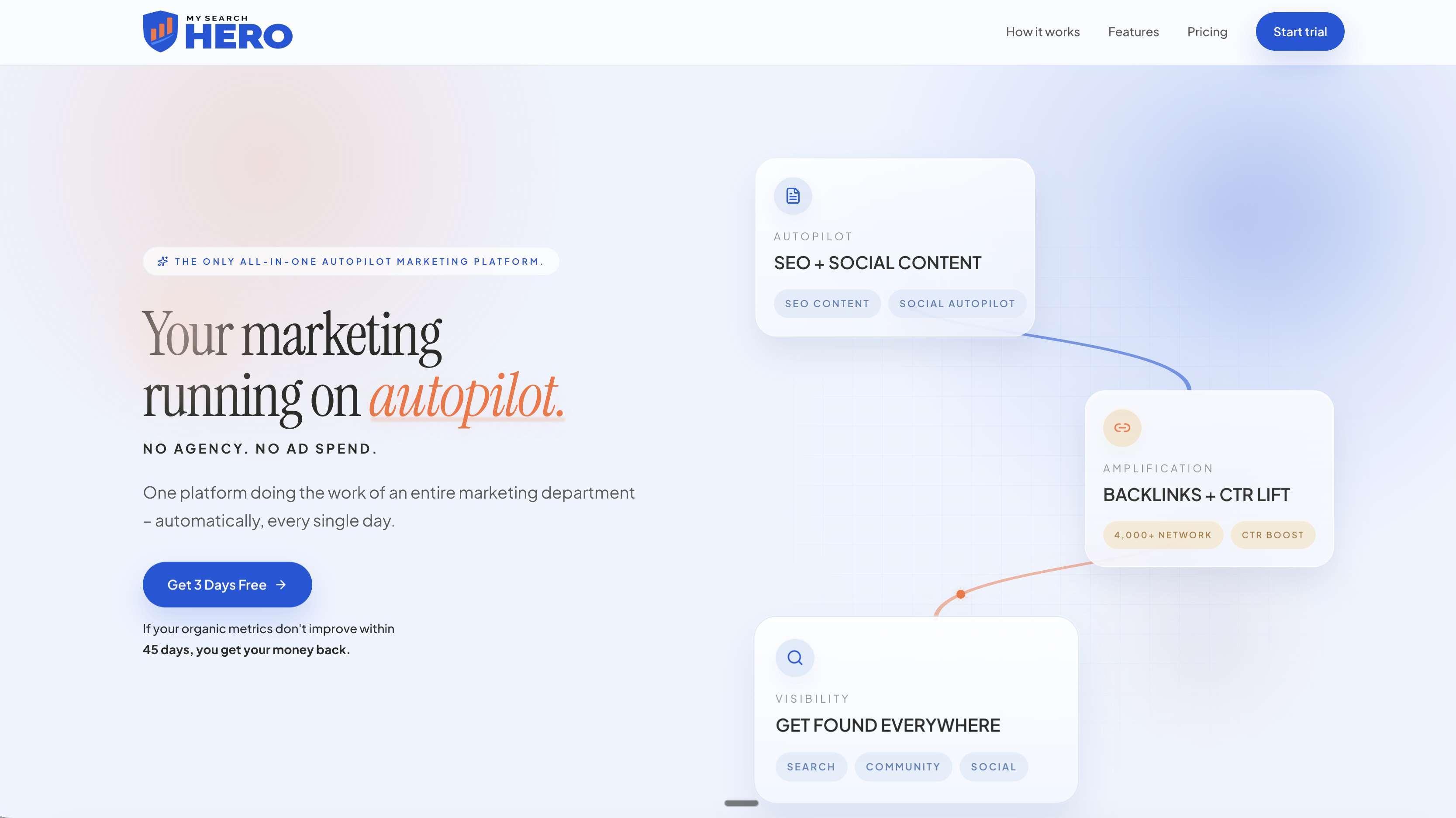
Compare the bundles on the MySearchHero plans page and pick the one that matches the amount of visibility you want to build.
FAQ
Is an automated content calendar the same as a social media scheduler?
Not quite. A scheduler only publishes posts you have already written at set times. An automated content calendar also helps decide topics, drafts posts for each platform, and reports results. Most include a scheduler as one part of the system.
Can AI plan my whole content calendar without me?
It can plan and draft most of it, but you should still approve posts before they publish. Check tone, prices, hours and local details, and review anything that involves a paid or gifted promotion yourself. Think of the AI as a fast first-draft writer and yourself as the editor.
How many hours a week will it take?
The SBA suggests budgeting 2 to 3 hours a week for social media as a baseline. With drafting and scheduling automated, many owners can aim to spend far less, mostly on approving drafts and replying to customers. Start with a fixed 15 to 30 minute review slot and adjust.
Which platform should I start with?
Start where your customers already look for businesses like yours. For most local service companies that means a Google Business Profile plus one social network such as Facebook or Instagram. Add a second platform only after the first runs smoothly for a couple of months.
Do I need to disclose AI-written posts?
The FTC guidance covered here concerns disclosing material connections between endorsers and advertisers, such as gifts or payment, not whether a draft was written with AI. If a post involves that kind of connection, disclose it clearly. Check the FTC’s business guidance for current requirements.
Sources
- Setting Up a Social Media Calendar for Your Small Business, U.S. Small Business Administration
- 8 Marketing Resolutions for 2020, U.S. Small Business Administration
- Is Your Small Business Social Enough?, U.S. Small Business Administration
- Planning a social media marketing campaign? Read this first, Federal Trade Commission
- Warning Letter, Federal Trade Commission (civil penalty amount, November 2023)
- Bulk Blog and GBP Post Scheduling Guide, Search Atlas
- AI Social Media Automation: Content and Scheduling, LOW/CODE